


About the Company
The dialog window is launched from the managing menu ("Settings", "Company" items).
The "Basic data" tab allows us to specify the basic information about the company. The input data is used by the program when printing and exporting documents (pictures), in the document header and footer.
The "Company logo" tab allows us to load the company logo. The "Load" button opens a dialog window which allows us to open the picture in various formats (*.JPG, *.JPEG, *.JPE, *.BMP, *.ICO, *.EMF, *.WMF).
The "Employees" tab allows us to input a list of program users (employees). When filling the name list it is no longer necessary to fill the author's name in the "Project" frame.
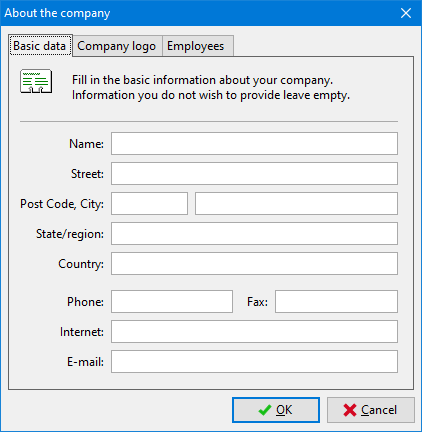 "About company" dialog window - "Basic data" tab
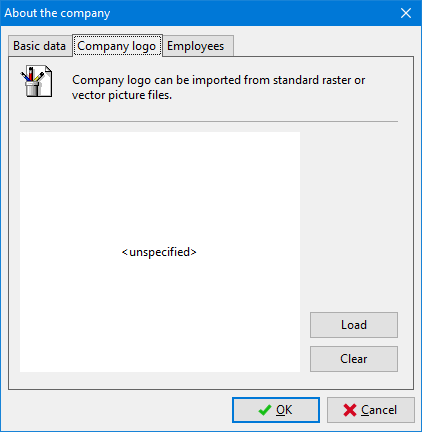 "About company" dialog window - "Company logo" tab
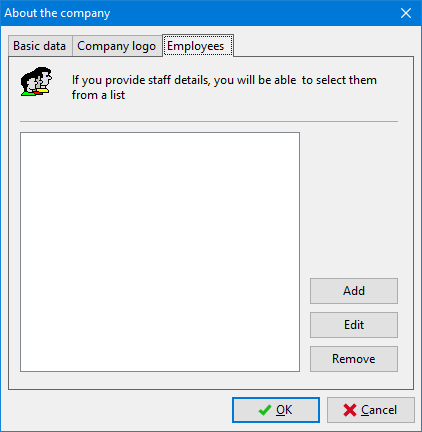 "About company" dialog window - "Employees" tab