


CAD Export
From the program menu ("File" item) select the "Export" item, "Format CAD". Next, select the file name intended for the export. Using a dialog window, the program then provides information on the performed data export.
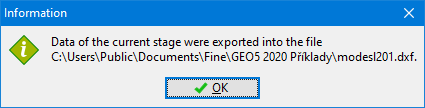 Information regarding the performed data export
The exported data can be verified by importing them back into the program.
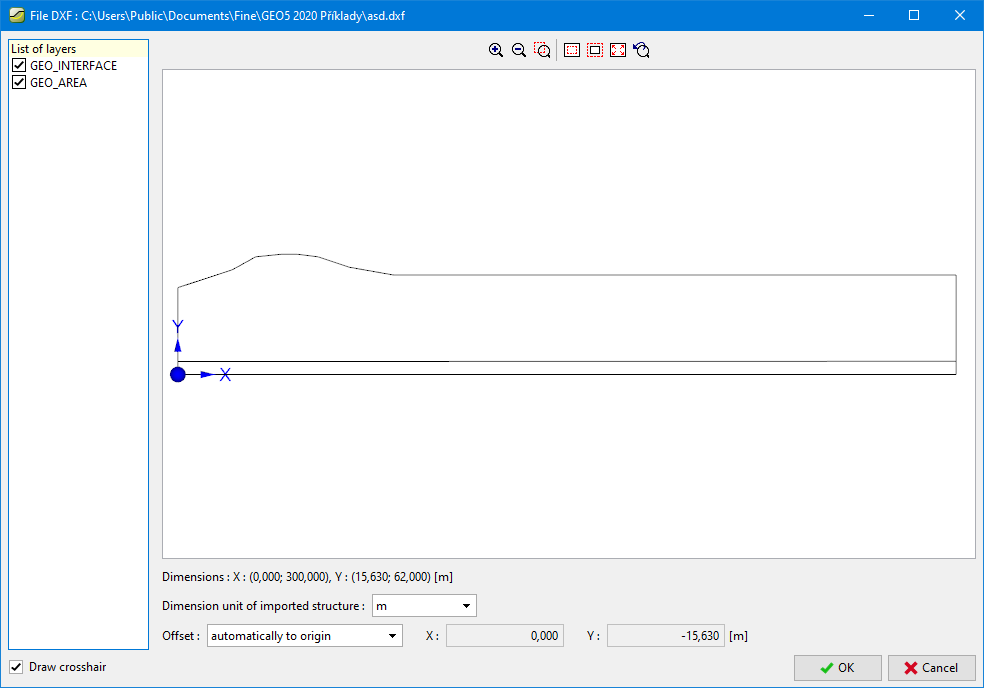 Check of exported data