


Dimensioning
The "Dimensioning" frame serves to design and verify the reinforcement of the wall cross-section - the cross-section subjected to dimensioning is selected from the list at the left part of the screen.
- Wall stem verification - front reinforcement
- Wall stem verification - back reinforcement
- Wall jump verification
- Wall heel verification
- Stress relief plate check
For the Counterfort wall and Buttress wall, the following cross-sections are verified:
- Wall stem verification - front vertical and horizontal reinforcement
- Wall stem verification - back vertical and horizontal reinforcement
- Wall jump verification - upper and lower reinforcement
- Wall heel verification - upper and lower reinforcement
The frame appearance is adjusted based on the selected verification methodology.
- Verification according to the factor of safety or the theory of limit states - the last column in the table allows us to input the design coefficients, which multiply the calculated forces. These forces are displayed on the desktop and are updated for every change of data and setting in the frame.
- Analysis according to EN 1997 - the last column in the table allows us to specify whether the load acting on a structure is considered to be a secondary one. This is explained in more detail in the "Load combinations" section.
- Analysis according to LRFD or SIA 267 - in this case, the last column is not displayed.
Calculation of forces and their action on the analyzed cross-section is described here.
Typically, the stem of a cantilever wall is checked using at-rest earth pressure, while active earth pressure is used for other verifications. Both options can be changed in the "Stage Settings" dialog.
The way to calculate the internal forces in individual cross-sections is described in the theoretical part of this documentation. In addition, force from earth pressure at rest is taken into account when considering earthquake analysis.
Dimensioning of the reinforced concrete is performed according to the standard set in the "Materials and standards" tab.
In the case of wall dimensioning according to EN 1992, the crack width can be verified.
Several computations for different reinforcement variants can be carried out. Various design coefficients of individual forces can also be specified. The resulting forces are displayed on the desktop and are updated with an arbitrary change in data or setting specified in the frame. The "In detail" button opens the dialog window that contains a detailed listing of the dimensioning results.
Additional options can be found under this button 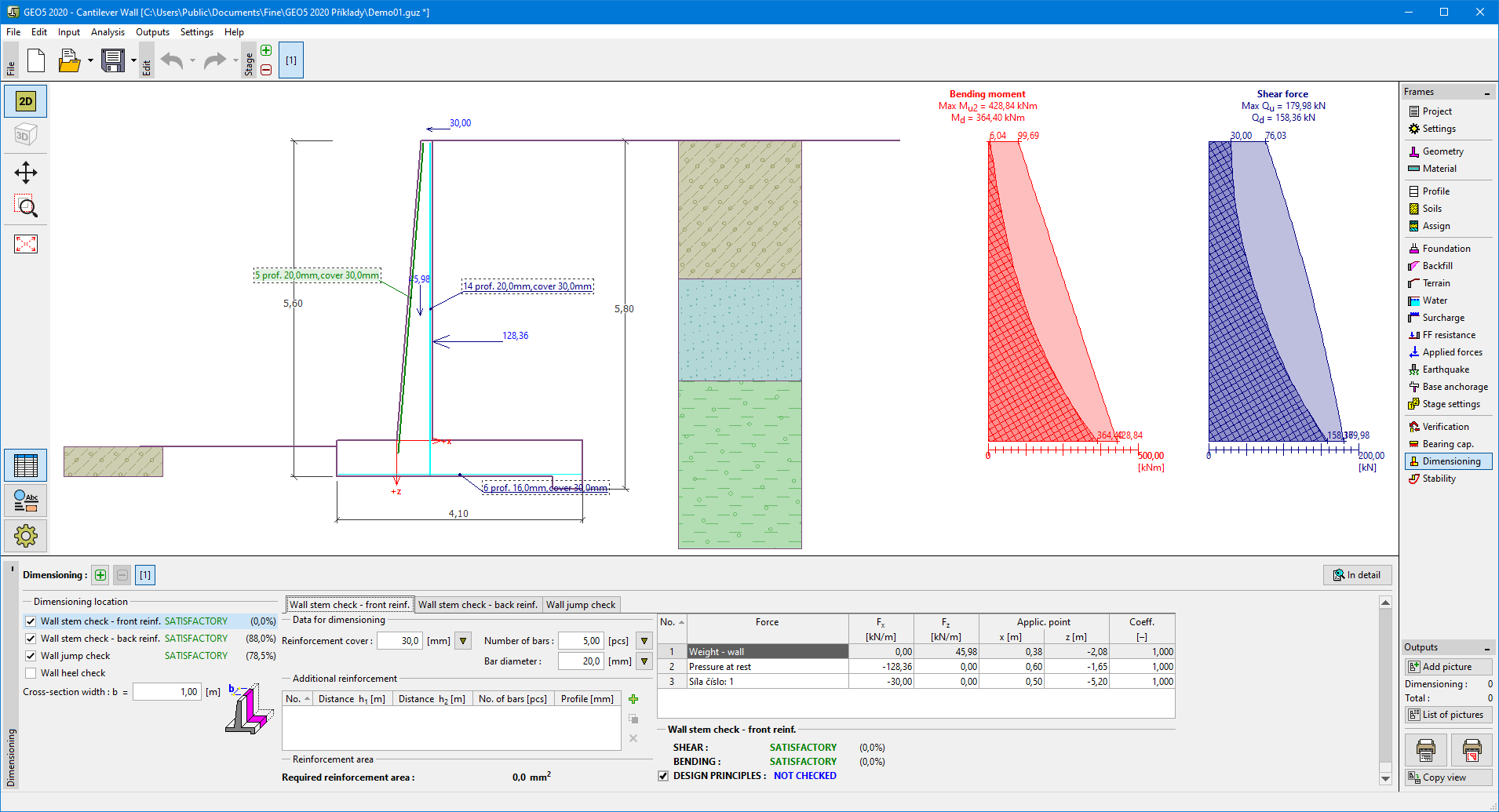 - for example, exporting data to FIN EC programs.
Visualization of results can be adjusted in the "Drawing Settings" frame.
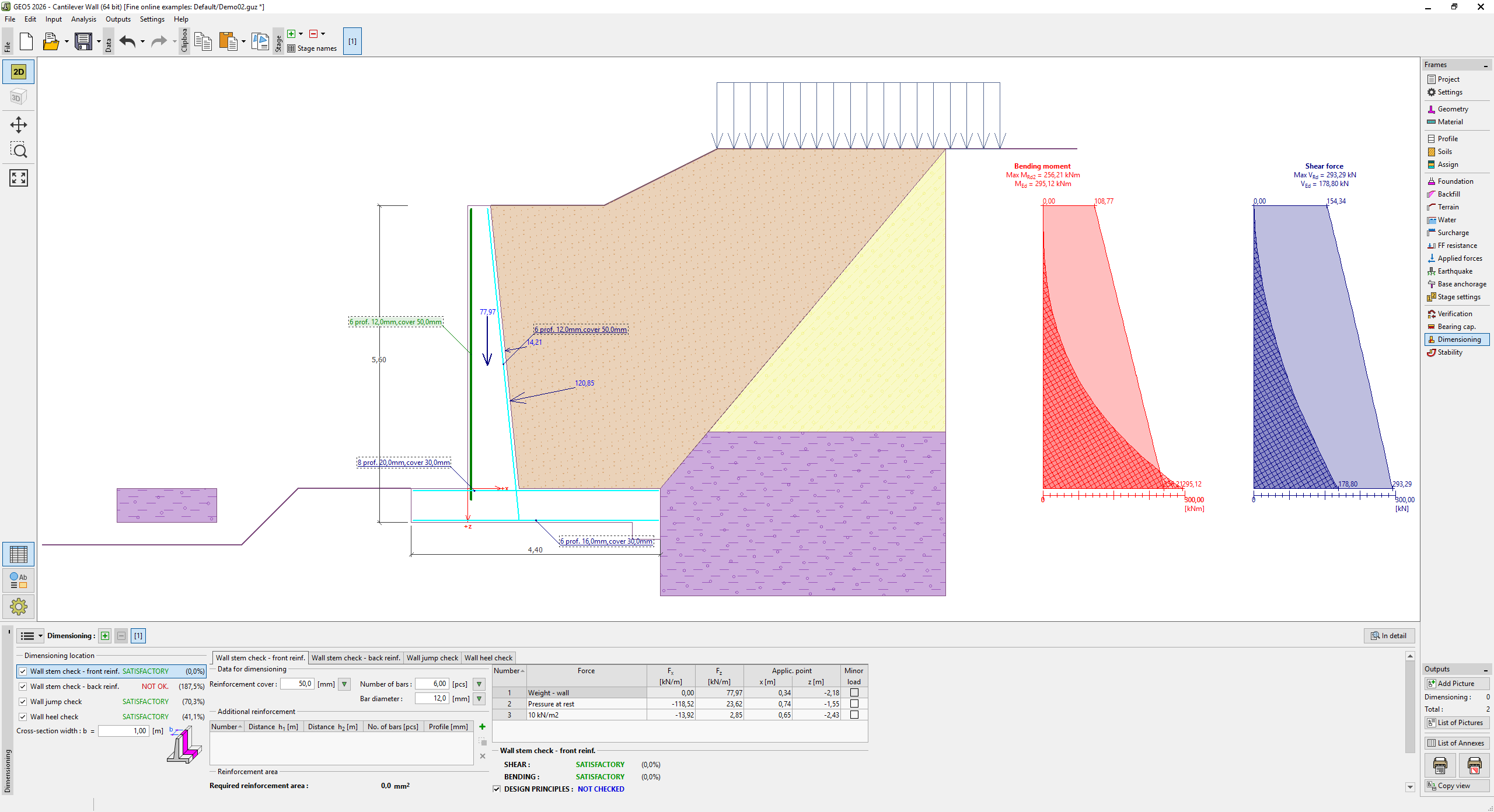 "Dimensioning" frame