


Geometry
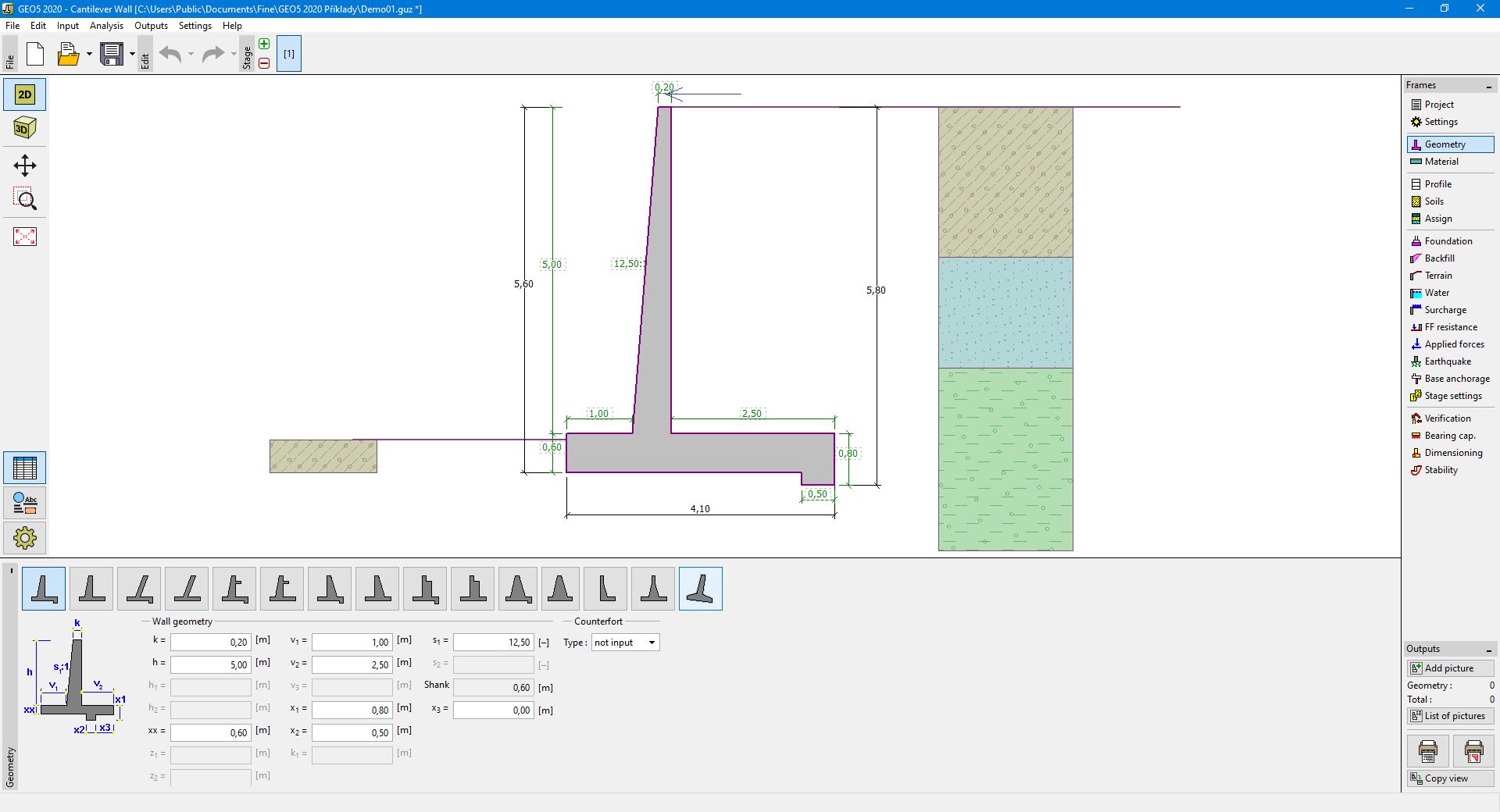
The "Geometry" frame allows us to select a wall shape. The buttress or counterfort wall can be defined for some wall shapes. The selected shape with a graphic hint appears in the left part of the frame. The shape of a wall can be edited either in the frame by inserting values into input fields, or on the desktop by using active dimensions.
In case the structure is composed of inclined segments, it is required to enter the ratio of sides of an inclined 1:x segment. The straight structure is specified by entering the value zero.
If the predefined wall shapes are not satisfactory, the program allows us to enter a general shape of wall stem.
 General wall stem input
The general wall stem shape is entered by coordinates of points, but it is also possible (by pressing the "Generate general shape" button) to generate coordinates of the structure from an already input predefined wall. The general shape cannot be used for structures with an inclined stem, a relief plate, or counterforts. The points of the shaft cannot form a jump.
The program makes it possible to export the geometry of a structure in the CAD format.
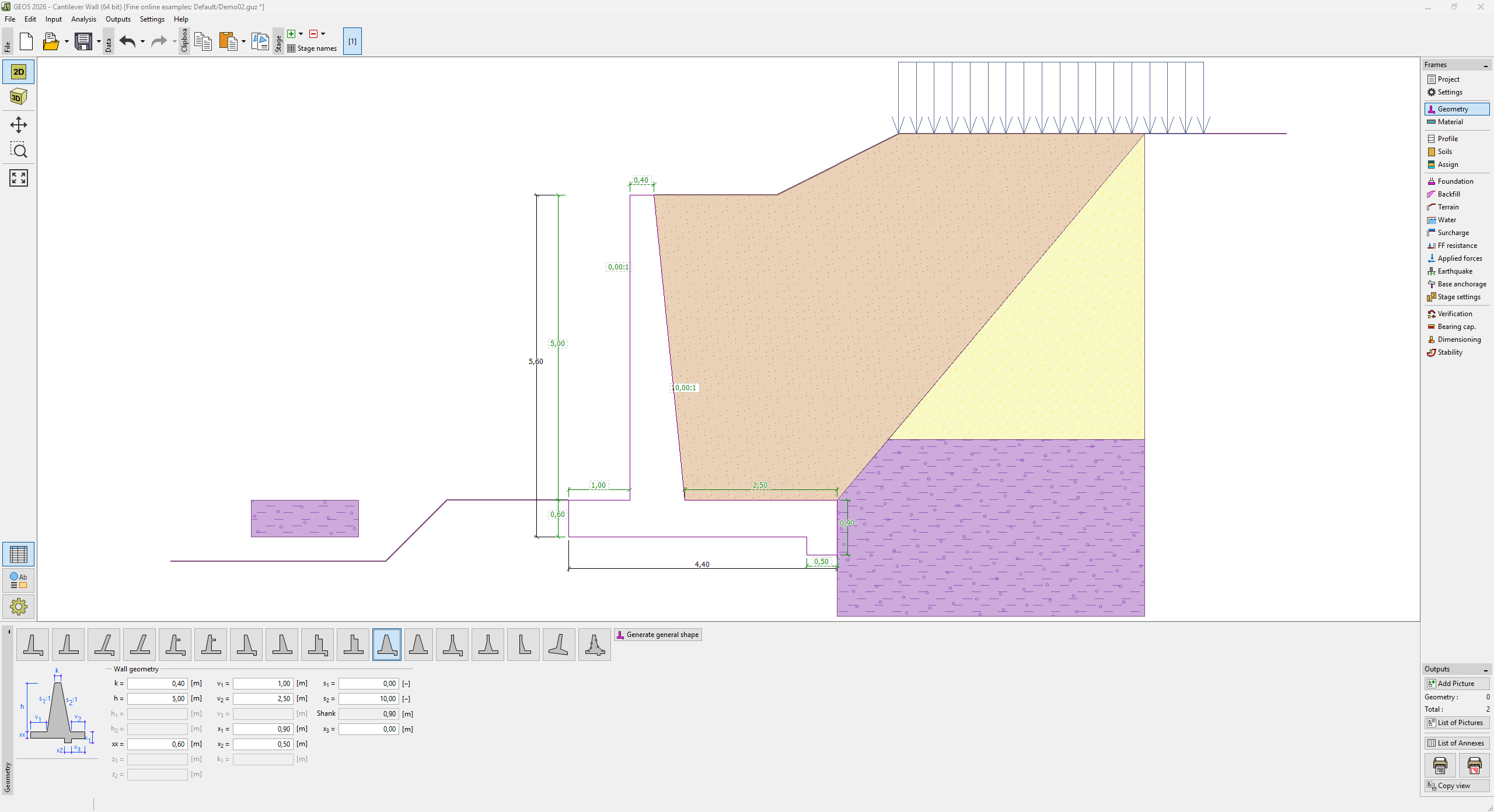 "Geometry" frame