On-line contextual Help

/

FEM 

GEO5

Geotechnical software

« Back to Help

Beam loads

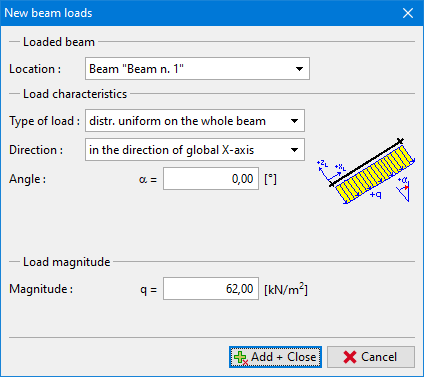
The frame "Beam loads" contains a table with the list of loads. Adding (editing) beam loads is performed in the "New beam loads" dialog window.

Beam loads can also be introduced using the mouse. This inputting mode is activated by clicking an appropriate button on the horizontal tool bar "Beam loads". The following modes are available:

  • Add
By clicking the left mouse button on the selected beam. The load parameters are entered in the "New beam loads" dialog window.
  • Adjust
Clicking the left mouse button on already existing beam opens the "Adjust beam loads" dialog window, which allows for modifying its parameters.
  • Remove
Clicking the left mouse button on already existing beam opens the beam load removal dialog window – accepting this action removes the selected beam load.

The inputted loads can also be edited on the desktop with the help of active objects. The program employs the following coordinate systems.

All inputted parameters of the load can be modified in the stage of construction, in which the load was introduced. In subsequent stages it is only possible to modify its magnitude (option "Adjust magnitude").
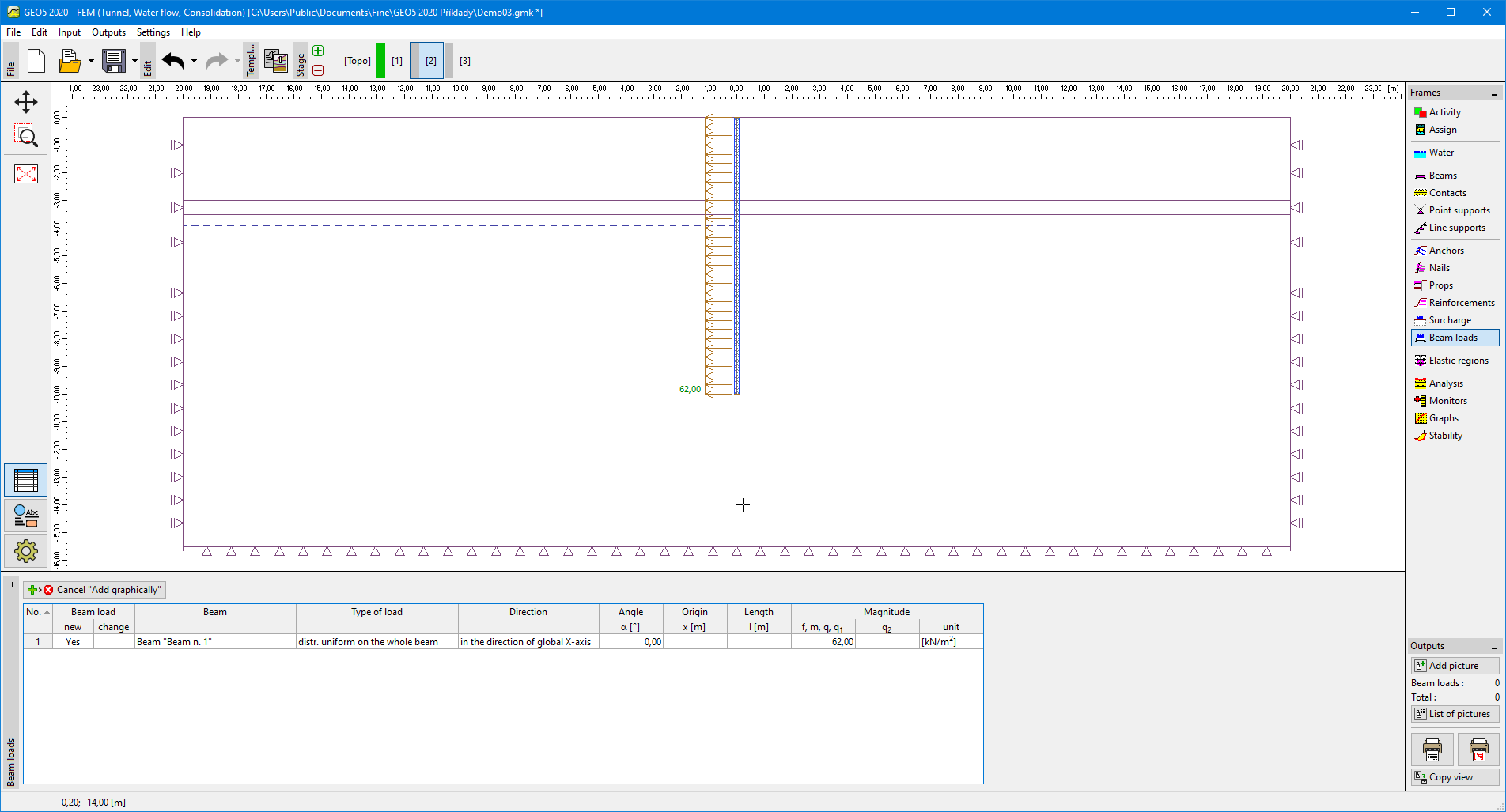
Frame "Beam loads"Frame "Beam loads"


t

Dialog window "New beam loads"


Language: english