


Free Points
The frame "Free points" contains a table with the list of input free points. Working with free points follows the same guidelines as in the FEM program - frame "Free points".
The frame differs by the functions on the horizontal toolbar, which contains the "Generator of shape of lining" and "Generator of anchored regions" buttons. The function of the "Range" button is identical to that in the FEM program - frame "Interface".
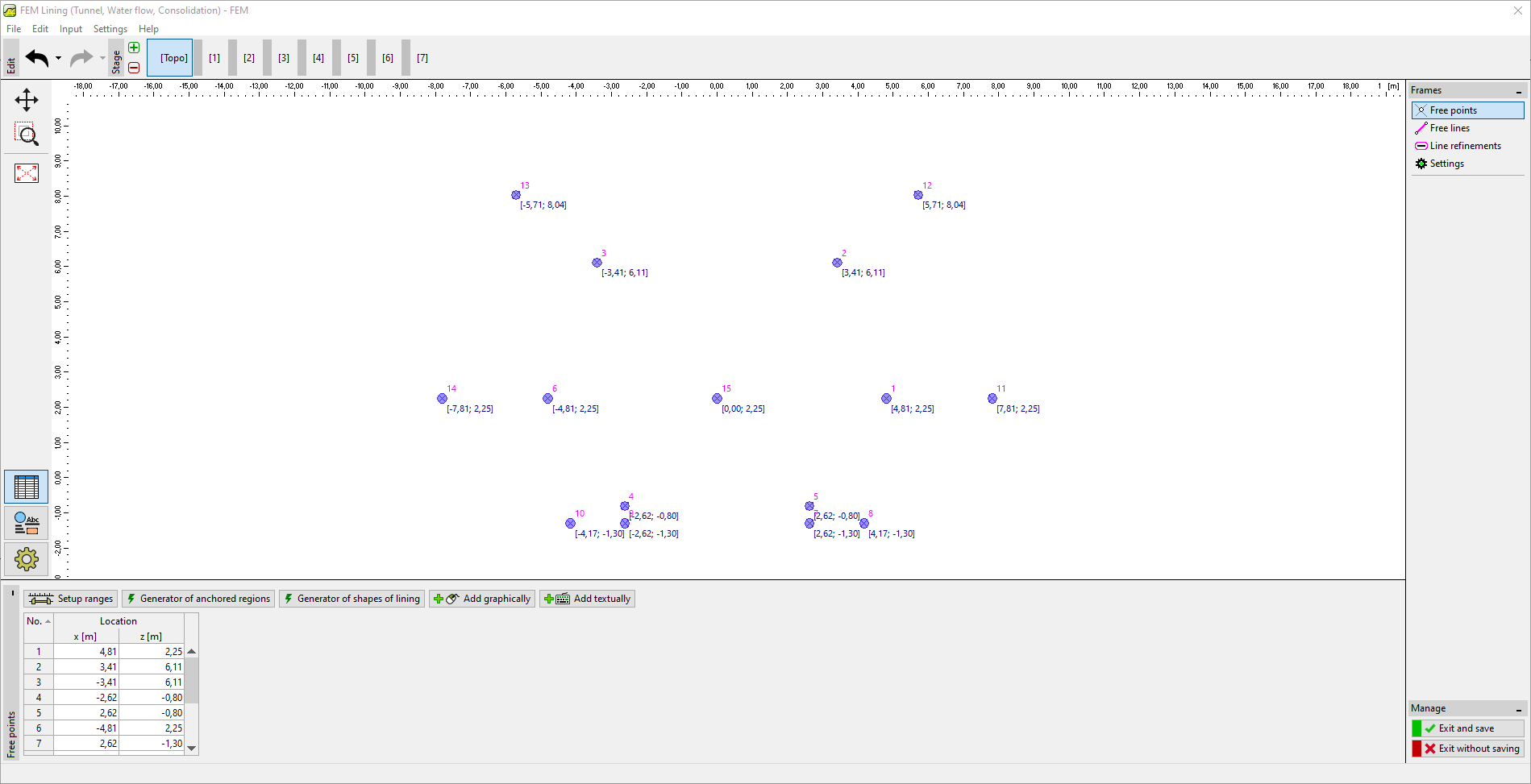 Frame "Free points"