


Lining
The frame "Lining" contains a table with the list of input linings. This frame becomes accessible in the program once the "Tunnel" regime is activated in the frame "Settings". The "Lining - FEM" module simplifies the modeling and positioning of individual tunnel linings.
The "Lining - FEM" module is an independent program used to design linings. Free points, free lines, line refinement, anchors, beams, and beam loads created in this module are passed into the FEM program. Although behaving in a standard way, they cannot be edited in the FEM program. Editing is only possible in the "Lining - FEM" module.
Adding lining is performed in the "Lining - FEM" module. The lining can also be edited on the desktop with the help of active objects.
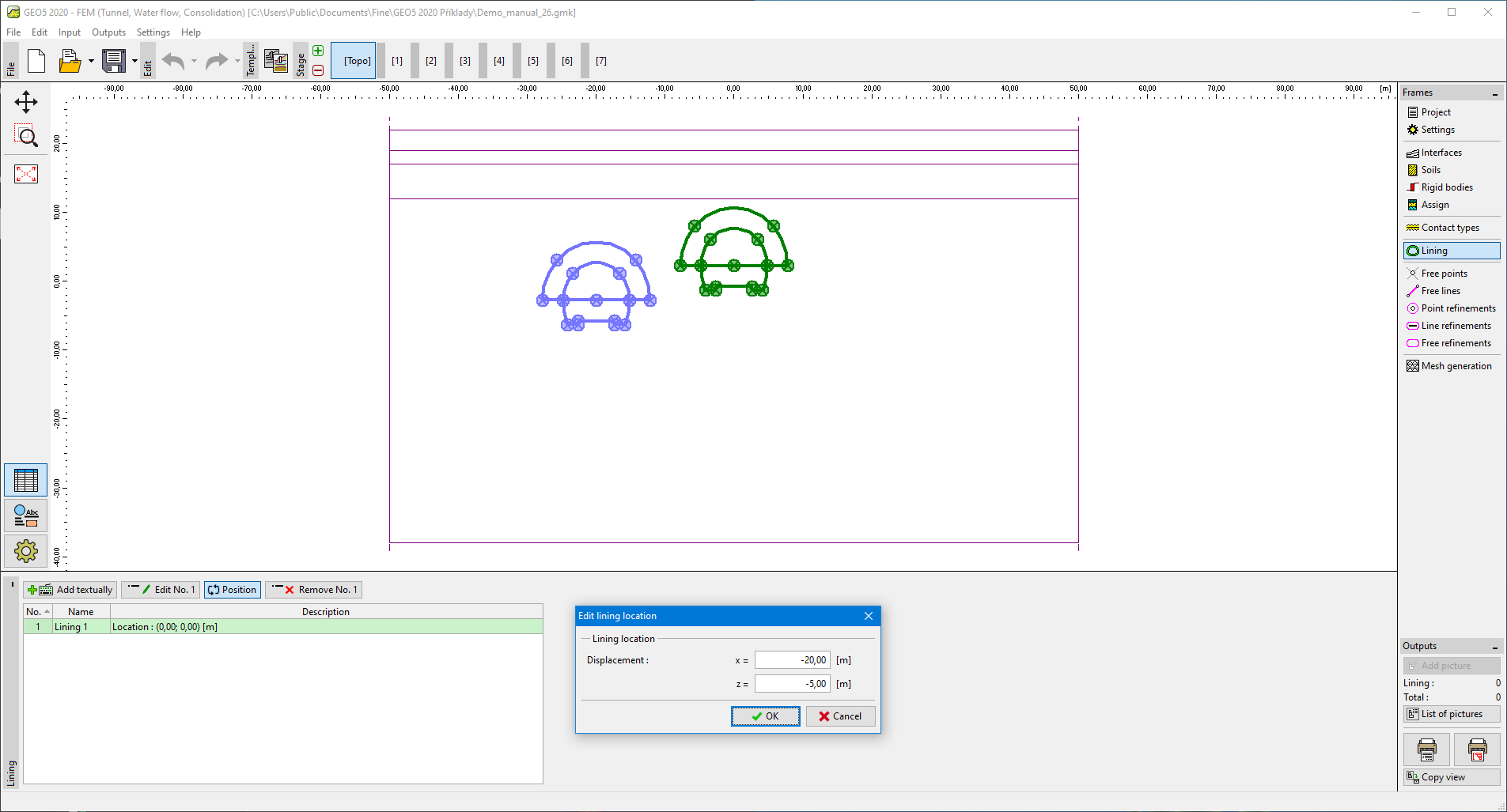 Frame "Lining"
Pressing the "Position" button opens the "Adjust lining location" dialog window, which allows for modifying coordinates of the lining location. To adjust lining in the FEM program is possible even without launching the "Lining - FEM" module.
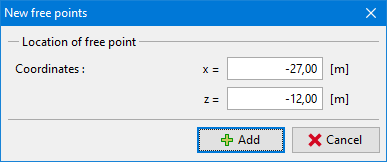 Dialog window "Edit lining location"