On-line contextual Help

/

FEM 

GEO5

Geotechnical software

« Back to Help

Point refinement

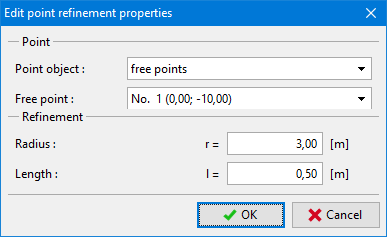
The frame "Point refinement" contains a table with the list of inputted point refinements. Adding (editing) a point refinement is performed in the "New point refinement" dialog window.

Refining the finite element mesh around points is an important feature, which allows us to create an appropriate finite element mesh. Both free points and points pertinent to individual interfaces including terrain can be used to refine the original finite element mesh.

Refining the finite element mesh around points can also be performed using the mouse. Several input modes are available depending on the selected button on the "Point refinement" horizontal bar:

  • Add
Clicking the left mouse button on the desktop selects the point for refining the mesh. The "New point refinement" dialog window serves to input the required parameters.
  • Adjust
Clicking the left mouse button on already existing (refined) point opens the "Adjust point refinement properties" dialog window, which allows for modifying individual parameters of the refinement.
  • Remove
Clicking the left mouse button on already existing (refined) point opens the point refinement removal dialog window – accepting this action removes the selected point refinement.

The point refinement can also be edited on the desktop with the help of active objects.
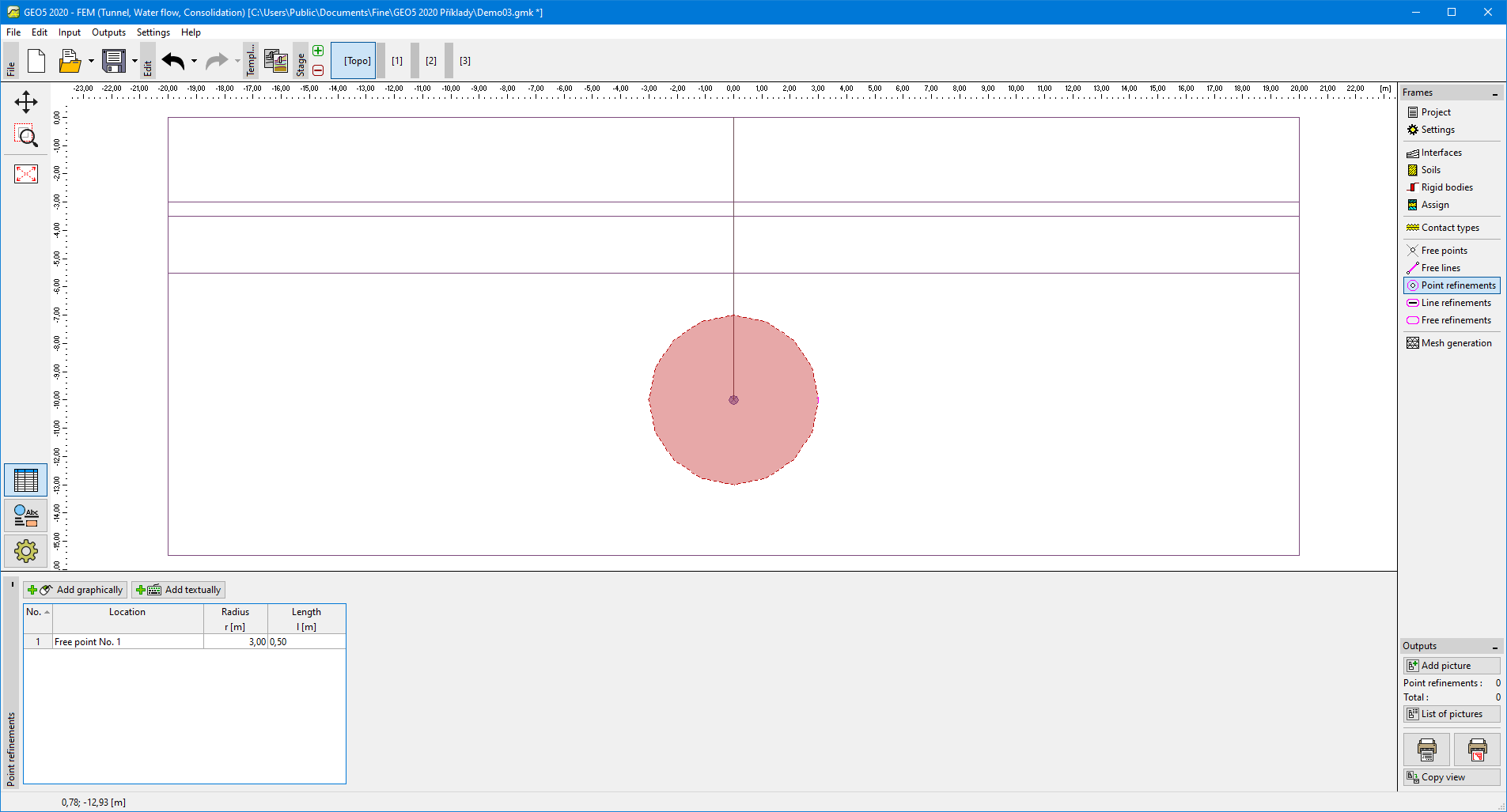
  Frame "Point refinement"

Dialog window "New point refinement"Dialog window "New point refinement"


Language: english