


Print and Export Desktop View
This dialog window allows us to print and export one or more pictures. Three options are available to open this window:
- Using the control menu ("Files", "Print picture" items), or the "Outputs" button on the vertical control bar.
- Using the "New picture" dialog window by pressing the "Print" button.
- Using the "List of pictures" dialog window by pressing the "Print" button.
The window may contain more than one picture at the same time (when printing more construction stages or analyses) when printing more pictures from the list. Each picture is printed on a separate page. The picture preview can be adjusted by buttons on the toolbar or by the mouse scroll wheel.
The dialog window contains its own Control bar - Print and Export with buttons used when customizing the appearance of the pages (header and footer definition, page properties, page numbering), print, and export of the document.
The bottom part of the dialog window displays current information (the defined page size, a current document page, and the total number of pages).
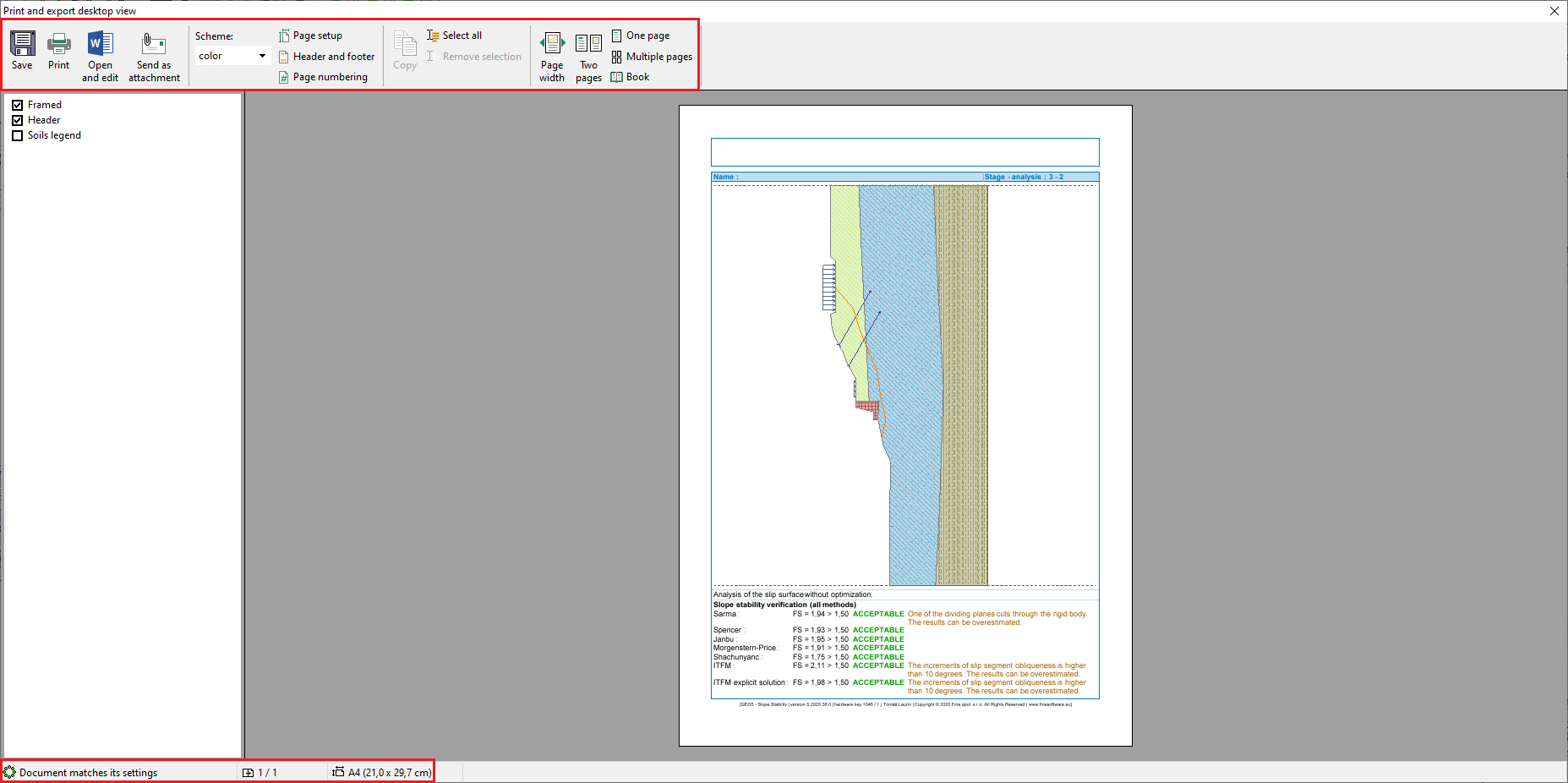 "Print and Export Desktop View" Dialog window
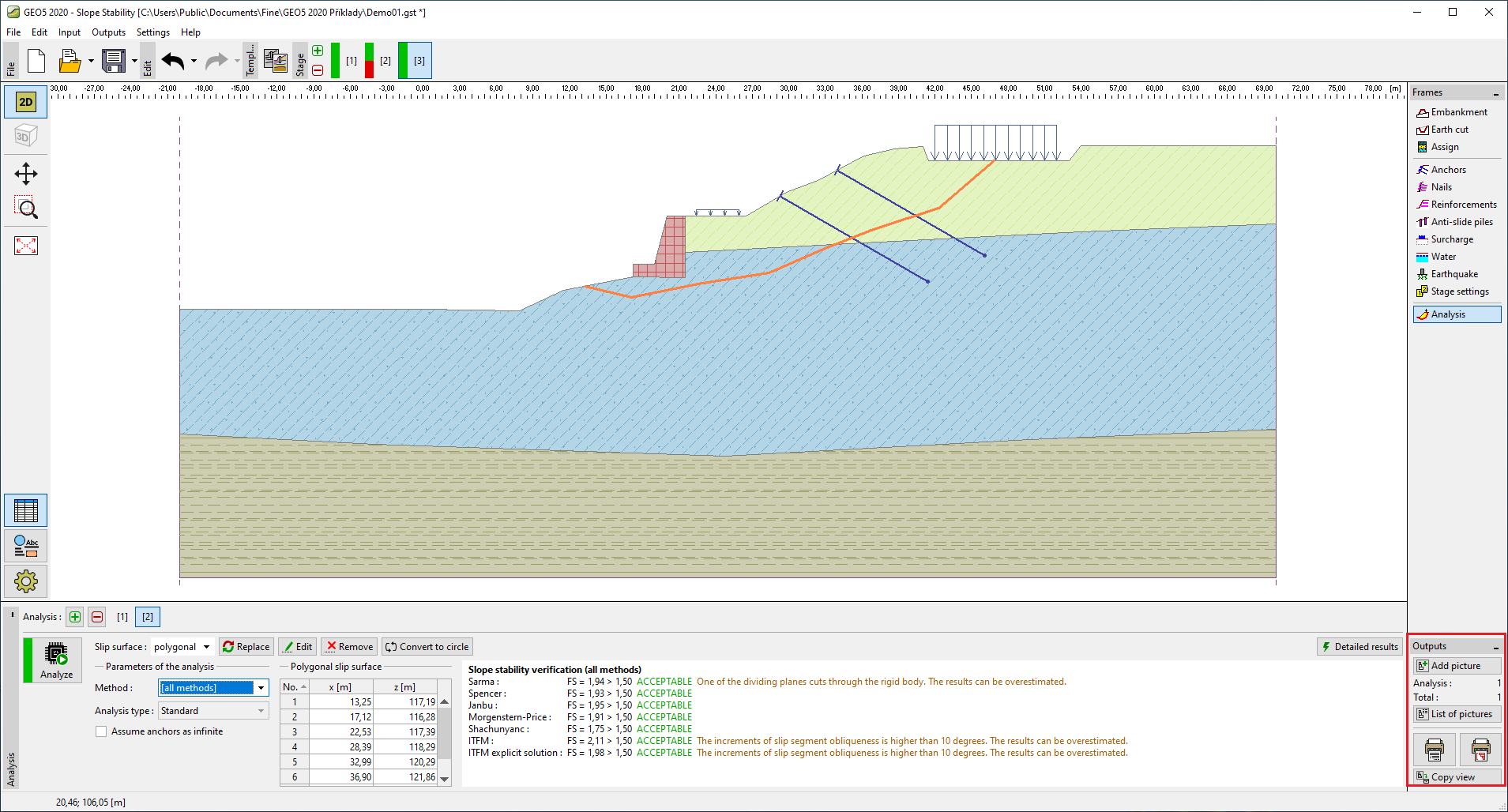 "Outputs" Toolbar