


List of Pictures
Pictures stored by the "New picture" dialog window are ordered in the table in the "List of pictures". The "List of pictures" dialog window can be opened by using the "Outputs" button on the vertical control bar. The table of the list of pictures contains the picture name and description, the mode which it was created in, and the stage of construction or the analysis number.
Individual pictures can be edited using the "Modify" button that opens the "Edit picture" dialog window (this window corresponds to the look and function of the "New picture" dialog window).
These pictures can be printed out of the window by pressing the "Print" button that opens a dialog window for printing and exporting a desktop view. Providing the picture is active over all stages of construction (overall analyses, respectively) then the program prints all possible combinations of the picture. If more pictures are selected then all of them will be printed out.
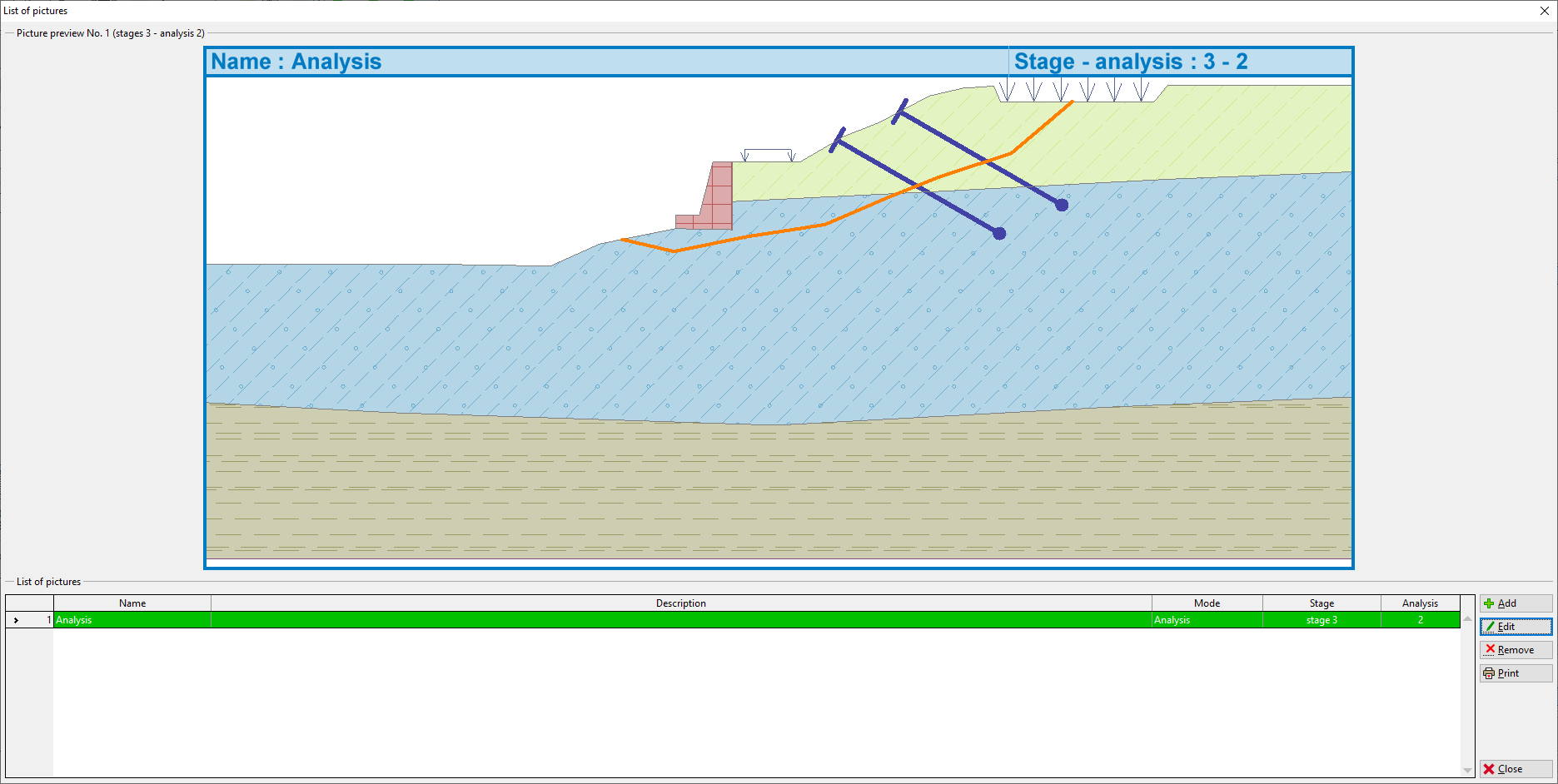 "List of pictures" Dialog window
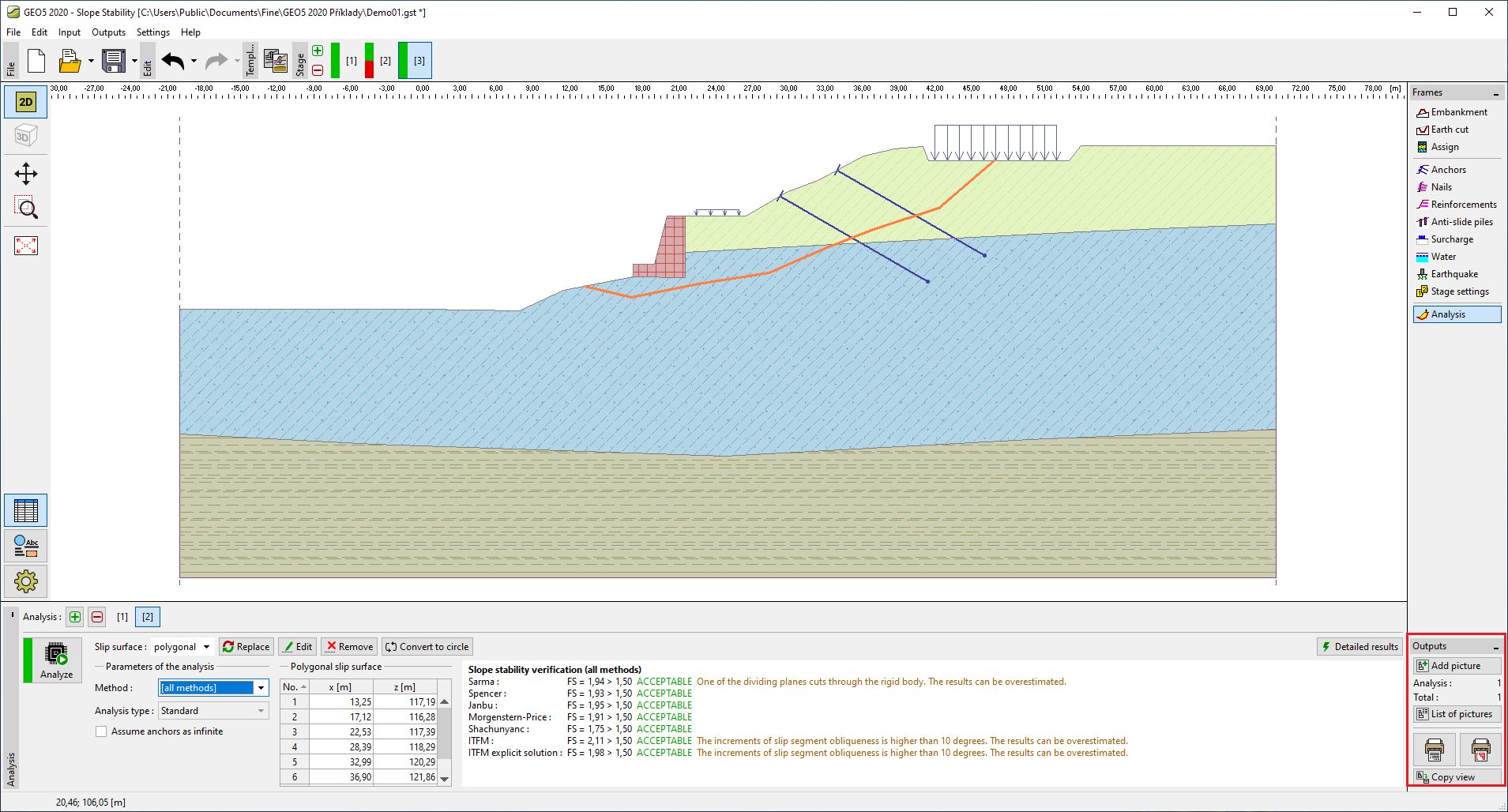 "Outputs" Toolbar