


Geometry
The frame "Geometry" contains a table with a list of input excavations. The "New excavation" dialog window allows us to add excavations. The input excavations can also be modified on the desktop using the active objects.
Parameters of excavation differ depending on the analysis method selected in the frame "Settings". Each excavation can be specified either by the radius or the area of excavation. Providing a sequential excavation is being input it is useful to specify the excavation area and place a fictitious center of excavation to a center of gravity of this area.
Additional input parameters are explained in more detail when describing individual analysis methods (Volume loss, classic theories).
The program allows us to export the geometry of a structure in the *.DXF format.
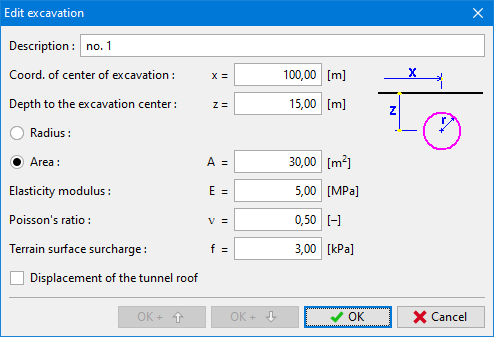 Dialog window "New excavation"
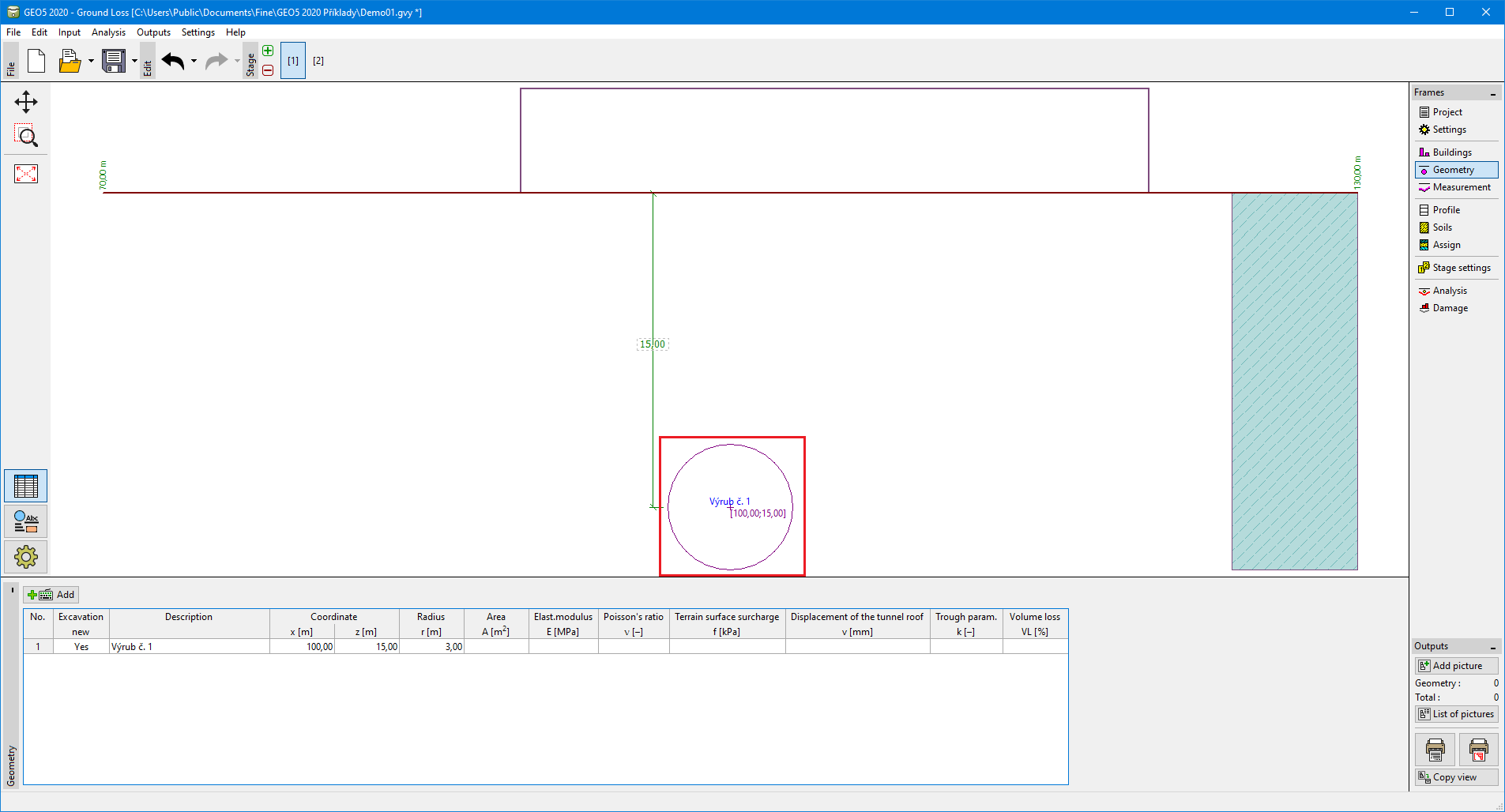 Frame "Geometry"