


On-line contextual Help

/

Masonry Wall 

GEO5

Geotechnical software

« Back to Help

Types of blocks

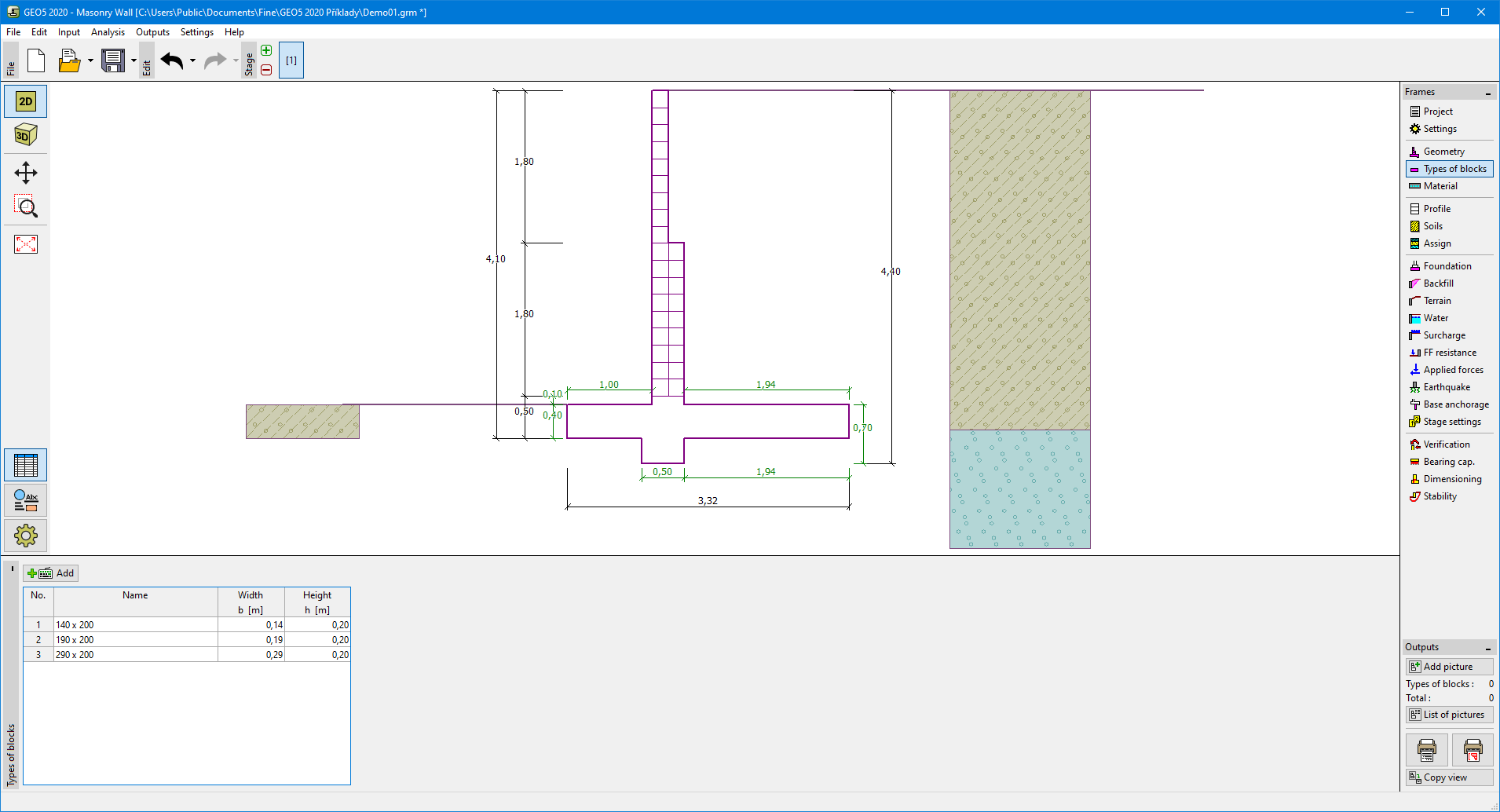
The "Types of blocks" frame contains a table with a list of inputted blocks. Adding (editing) blocks is performed in the "New type of block (Edit type of block)" dialog window.

This dialog window serves to define the geometry of a block (width and height).
The program allows for adding (inserting) another block in between two already existing blocks of a structure. Inserting a new block is performed in the "Inserted type of block" dialog window that complies with the "New type of block" dialog window. The inserted block is ordered such to proceed the currently selected block of a structure.

Frame "Types of blocks"Frame "Types of blocks"


Language: english