


Program Connection
In some cases, it is possible to launch another program from a currently running program. For example, the "Cantilever wall" program allows running the "Slope stability" program in order to verify the external stability of a structure, or the "Spread footing" program in order to verify the bearing capacity of a footing of a structure.
The new program loads the data of the structure and then it behaves as a standalone program - closing the program, however, is different. Pressing the "Exit and save" button (on the right below the toolbars) closes the program and the analysis data is passed to the original running program. This is not the case if closing the program by pressing the "Exit without saving" button.
When running it for the first time, the program creates data of a structure and passes on the structure dimensions, geology, loads, surcharges and other data. The program then asks you to input some additional data, e.g. the analysis method, analysis setting, slip surfaces, stages of construction, etc.
When running it again (always necessary if some changes were made in the original program) the program regenerates the data to be passed on, but keeps the data already input to this program. For example, when connecting the original program with the "Spread footing" program the new program keeps the additionally input sand-gravel cushion together with input soil - the footing dimensions, foundation geometry, and geological profile are, however, regenerated.
Some actions are not allowed in the new program - e.g. to change the basic setting of the project, unit, etc. The generated task, however, can be saved into new data using the "Save as" button and work with it as with any other independent task.
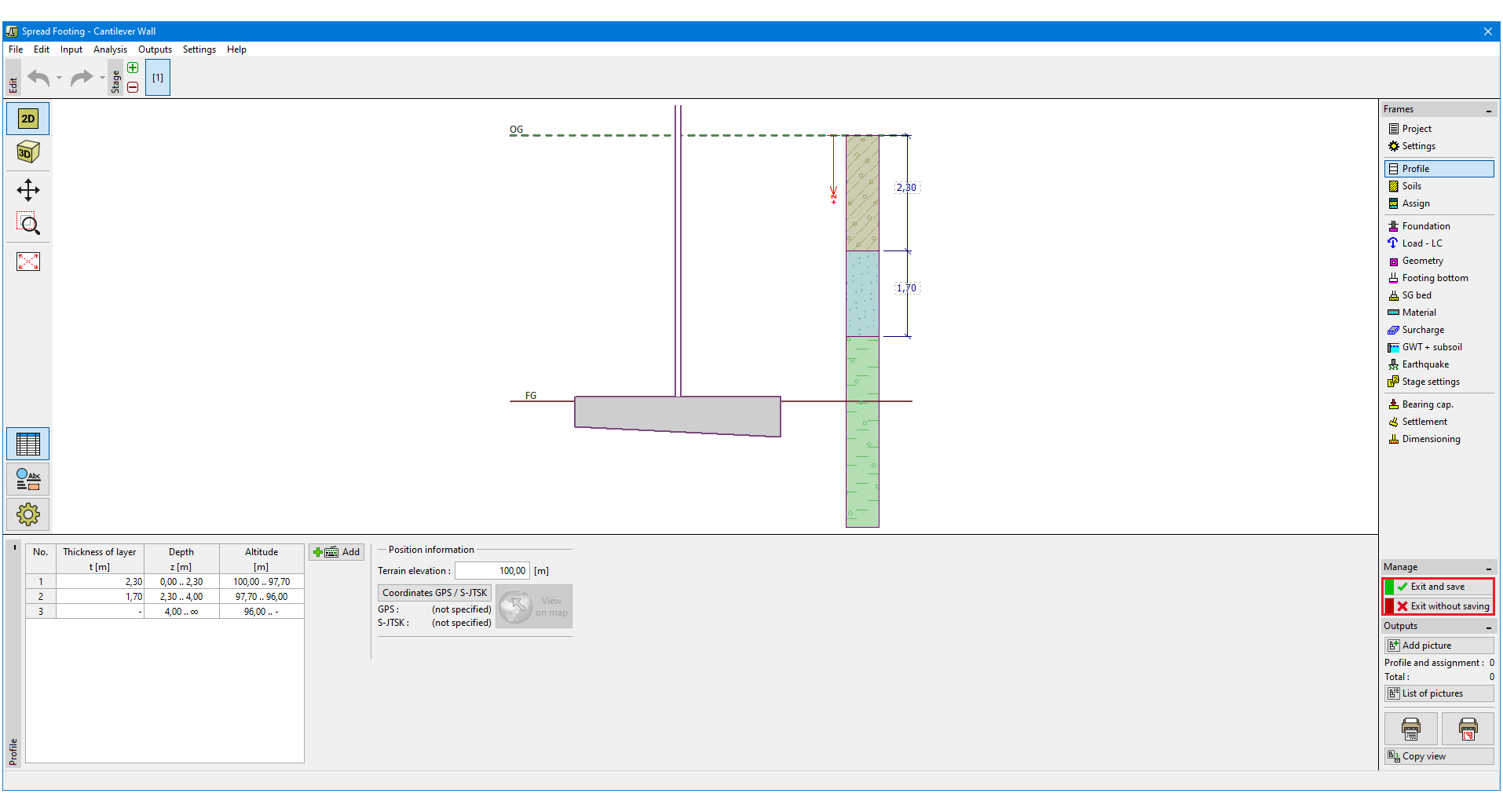 "Spread footing" launched from the "Cantilever wall" program