


Geometry
The "Geometry" frame contains a table with a list of input structural precast units (blocks) of a wall (the lowest block is labeled as No. 1).
Adding blocks is performed in the "New block" dialog window. The data we enter varies according to the input in the "Blocks" frame.
The input blocks can be further edited on the desktop with the help of active dimensions or active objects - double-clicking on a structure opens a dialog window with a given block.
If the geometry is taken from 3D mode, the "3D Wall / Cross Sections" button can be used to switch back to the "Cross Sections" frame.
The program makes it possible to export the geometry of a structure in the *.DXF format.
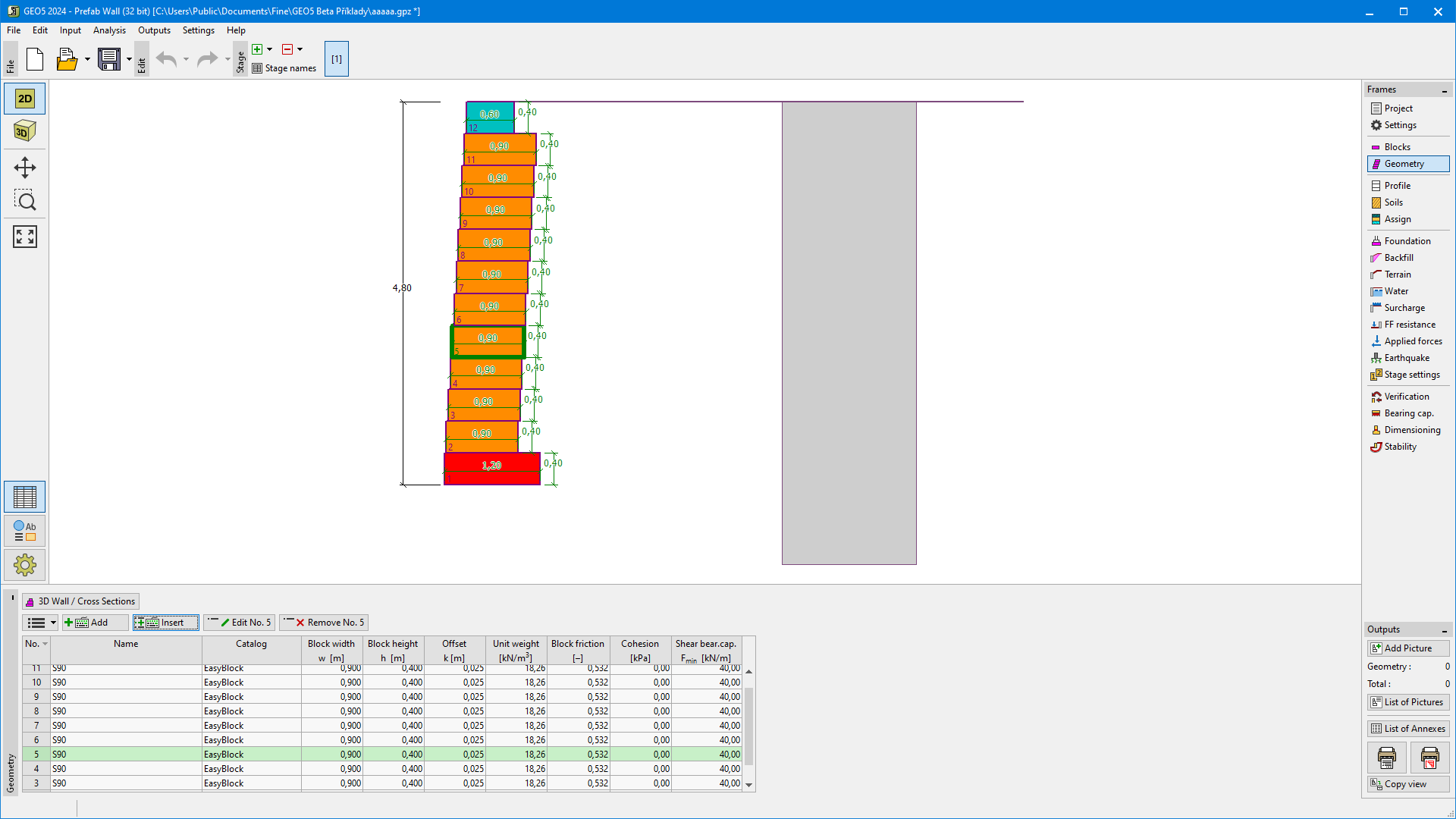 "Geometry" frame