


Print and Export Document
The "Print and export document" dialog window can be opened either from the control menu ("Files", "Print document" items), or using the "Outputs" button on the control bar. The page print preview with a generated text appears in the window.
This window generates the output document including pictures stored in the "Picture list". The document is always up to date - the program creates the document again based on input data (even with regenerated pictures) whenever opening this window.
The dialog window contains its own Control bar - Print and Export with buttons used when customizing the appearance of the pages (header and footer definition, page properties, page numbering), print, and export of the document.
Only specific parts of the document including pictures can be generated by checking the corresponding "tree" item in the left part of the window. Selecting or deselecting an arbitrary item prompts the program to regenerate the document automatically. The mouse scroll wheel or scroll bar on the right can also be used to view the document.
The button part of the dialog window displays current information (defined page size, current document page, and the total number of pages).
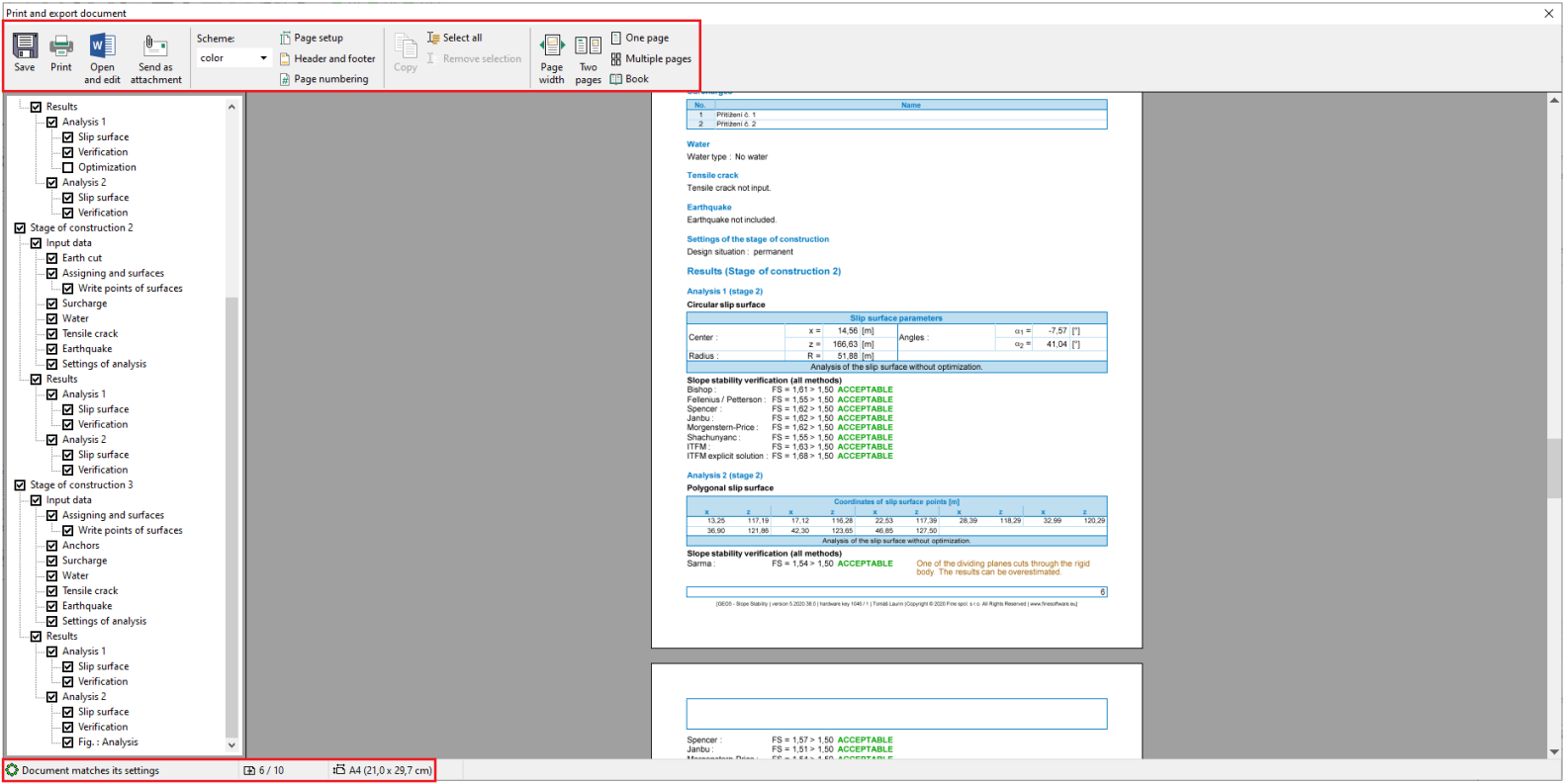 Dialog window "Print and export document"
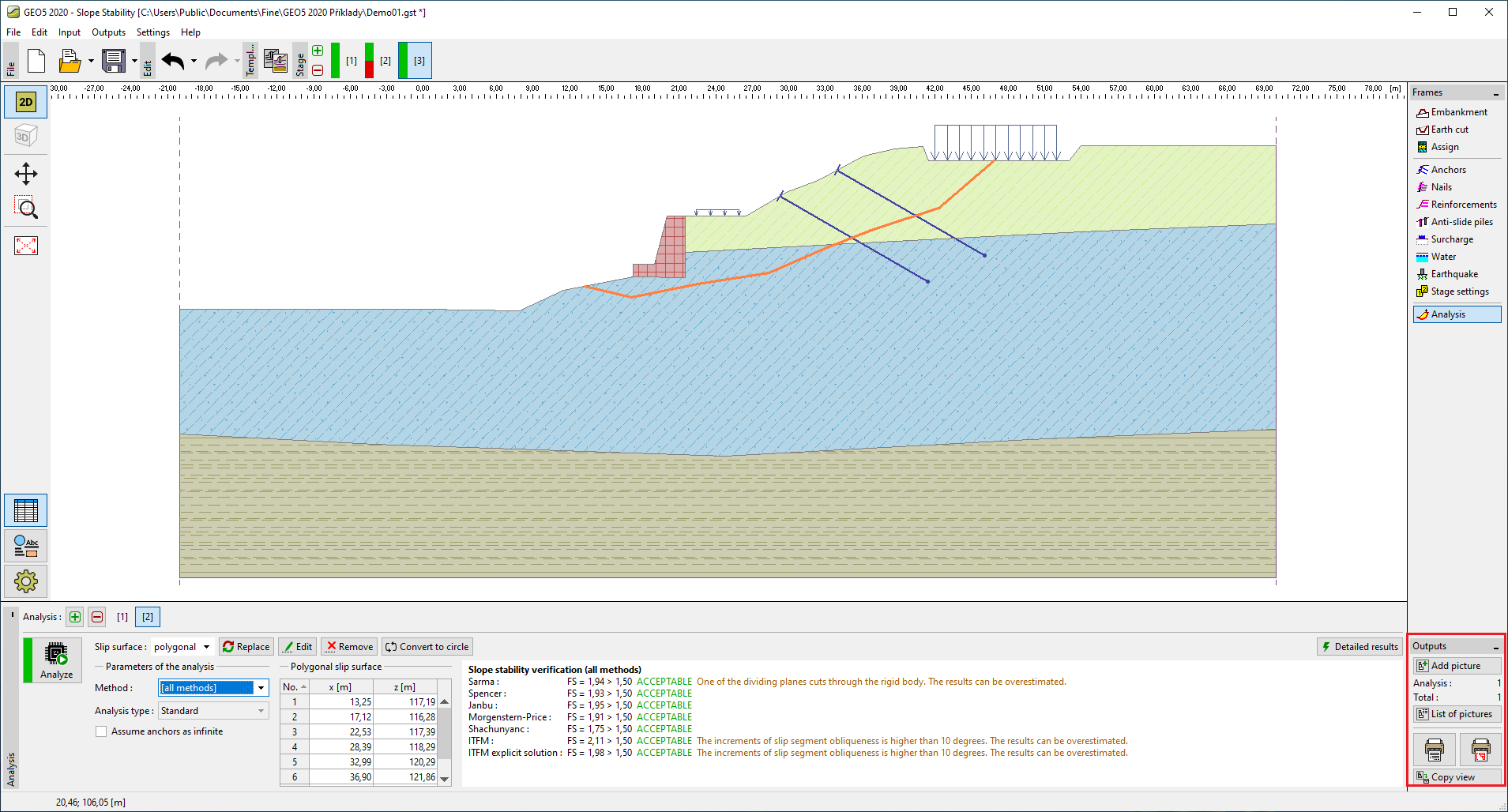 Toolbar "Outputs"