


Water - Plane Slip Surface
The "Water" frame allows, by pressing the button, for selecting the type of water. The selected type with a graphic hint of input values is displayed in the left part of the frame. Water parameters can be edited either in the frame by inserting values into input fields, or on the desktop with the help of active dimensions.
Solution procedure when accounting for water is described in the theoretical part of the help "Influence of water on slip surface".
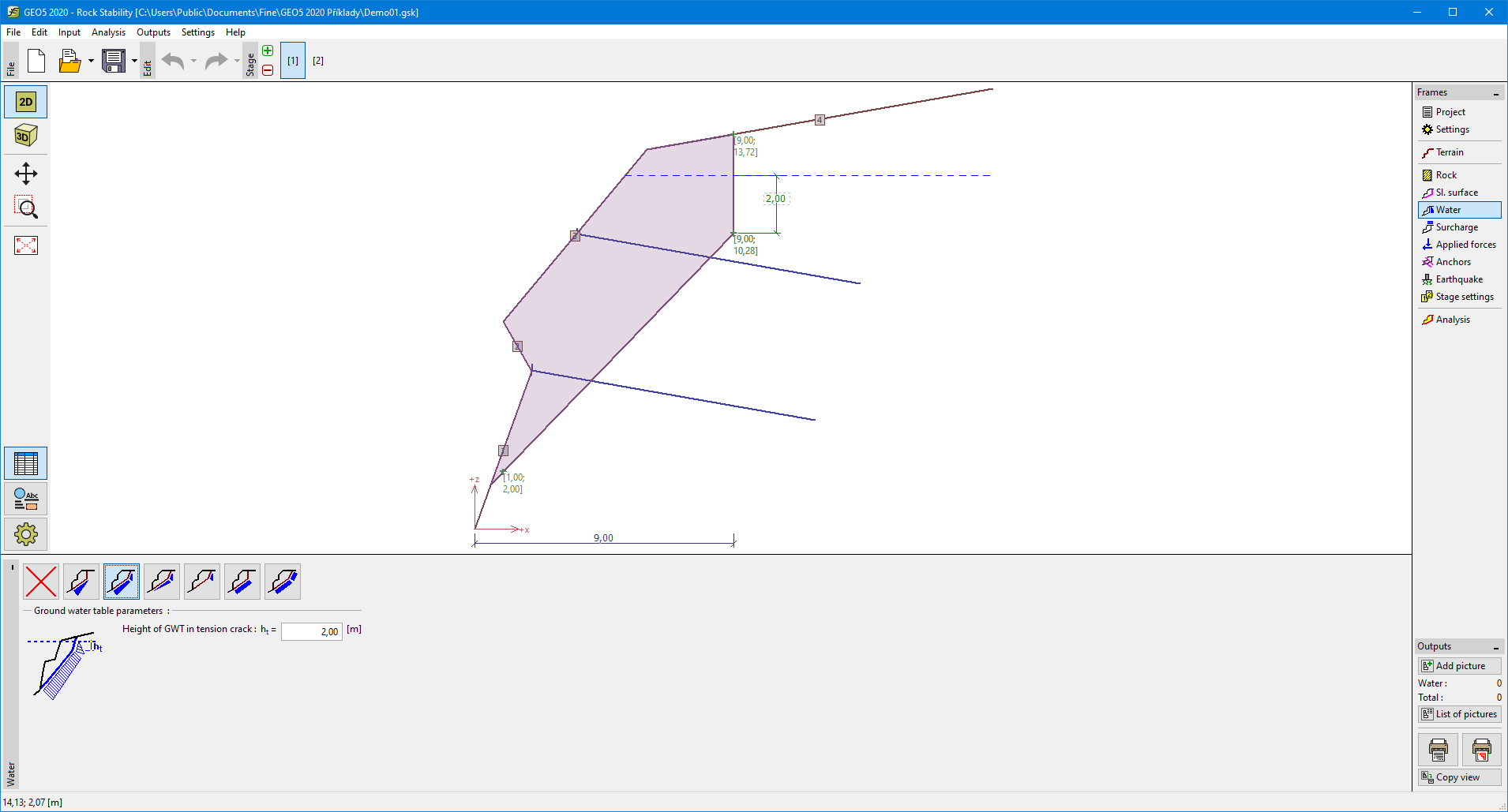 Frame "Water" - plane slip surface