


Setting a Color Scale
A color scale is an important tool providing a clear way of visualization of results.
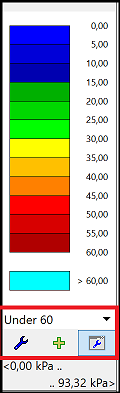 Color scale with control buttons
The following control buttons are available to manage scales:
| Select scale |
|
| Edit |
|
| Save |
|
| Scale manager |
|


The program offers two predefined types of color scales - "Uniform" and "Across zero". Both scales have a moving minimum and maximum value and predefined colors. The scale is automatically regenerated whenever a variable or a stage of construction is changed.
Current scale range and unit are displayed below the control buttons
The "Uniform" scale means that colors are uniformly spread from the minimum to the maximum value.
The "Across zero" scale colors the positive values using warm colors (yellow, red), and negative values with cold colors (green, blue).
The program allows to define user-defined scales and save them into the "Scales manager" for easier use.
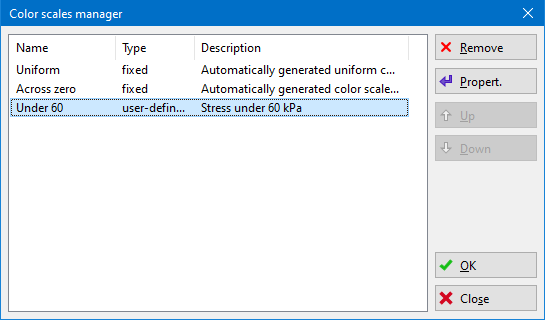 Color scales manager