


Anchors
The "Anchors" frame contains a table with a list of input anchors. Adding anchors is performed in the "New anchor" dialog window. The input anchors can be edited on the desktop with the help of active objects.
The anchor is automatically placed on already deformed structure (displacement is obtained from the previous construction stage).
Anchors can be entered as pre-stressed (not specified, prestressed bars, strand) and non-prestressed (helical, non-prestressed bars, deadman). The pre-stressed anchor stiffness becomes effective in next stages of construction. Due to the displacement of the sheeting structure the forces in anchors are changed according to deformation.
In subsequent stages the anchor cannot be changed, it's only possible to post-stress the anchor.
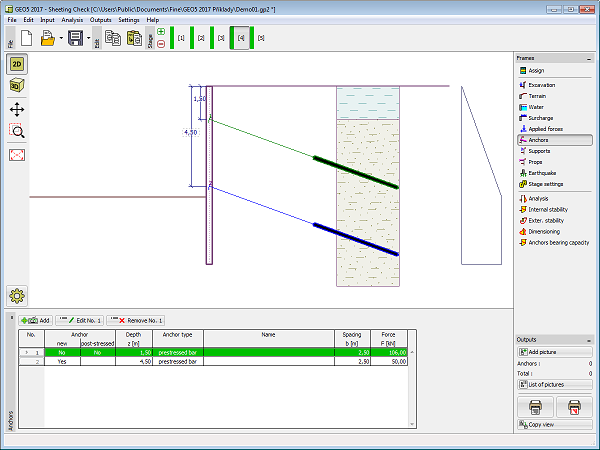 Frame "Anchors"