


Loading Data into Template
From the program menu ("File") select the "Import", "Format CAD into template" items and then select the file to be imported. The loaded data is displayed in the CAD Import dialog window and then it is loaded into the template. The layer selection can be modified anytime.
When importing data, it is possible to adjust the world margins based on the imported data - this is particularly useful when defining a new task.
The imported data is not transferred directly into the program. It is loaded into a template, through which it is transferred into program data later on. When the data is loaded, the template with data is displayed on the desktop and the buttons on a horizontal toolbar, which is used to manage the template, are made available.
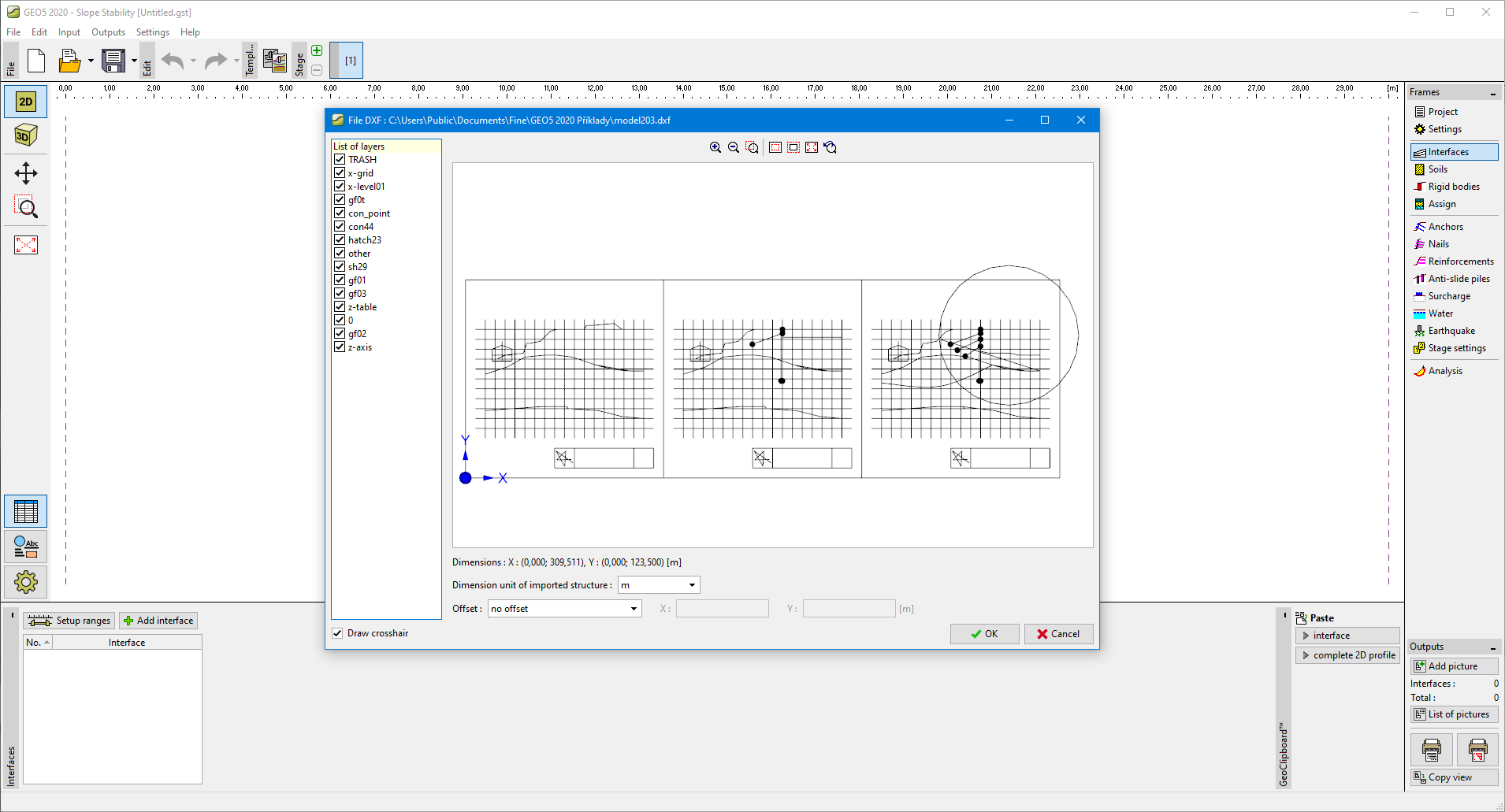 Loading data into a template
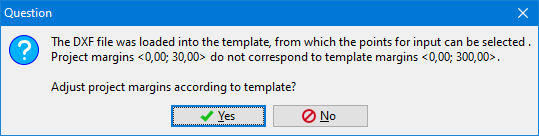 Modifying world margins