


Supports
The "Supports" frame contains a table with a list of input supports. Adding supports is performed in the "New support" dialog window. The input supports can also be edited on the desktop with the help of active dimensions or active objects, respectively.
The support is input on already deformed structure automatically (obtained from the previous stage of construction). In subsequent stages, the supports can no longer be edited; it is only possible to input forced displacement of supports.
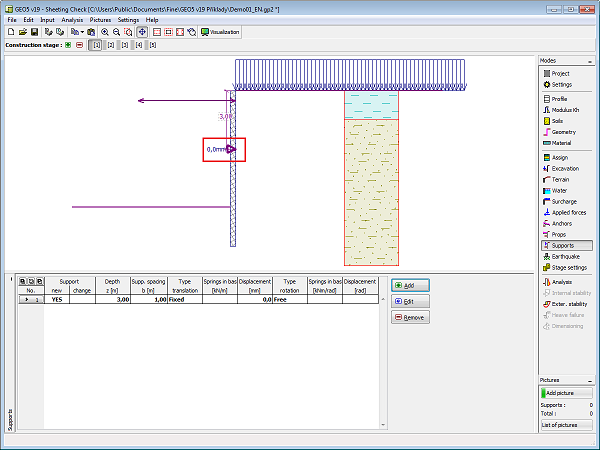 Frame "Supports"