On-line contextual Help

/

Sheeting Check 

GEO5

Geotechnical software

« Back to Help

Tool bar Scale and shift

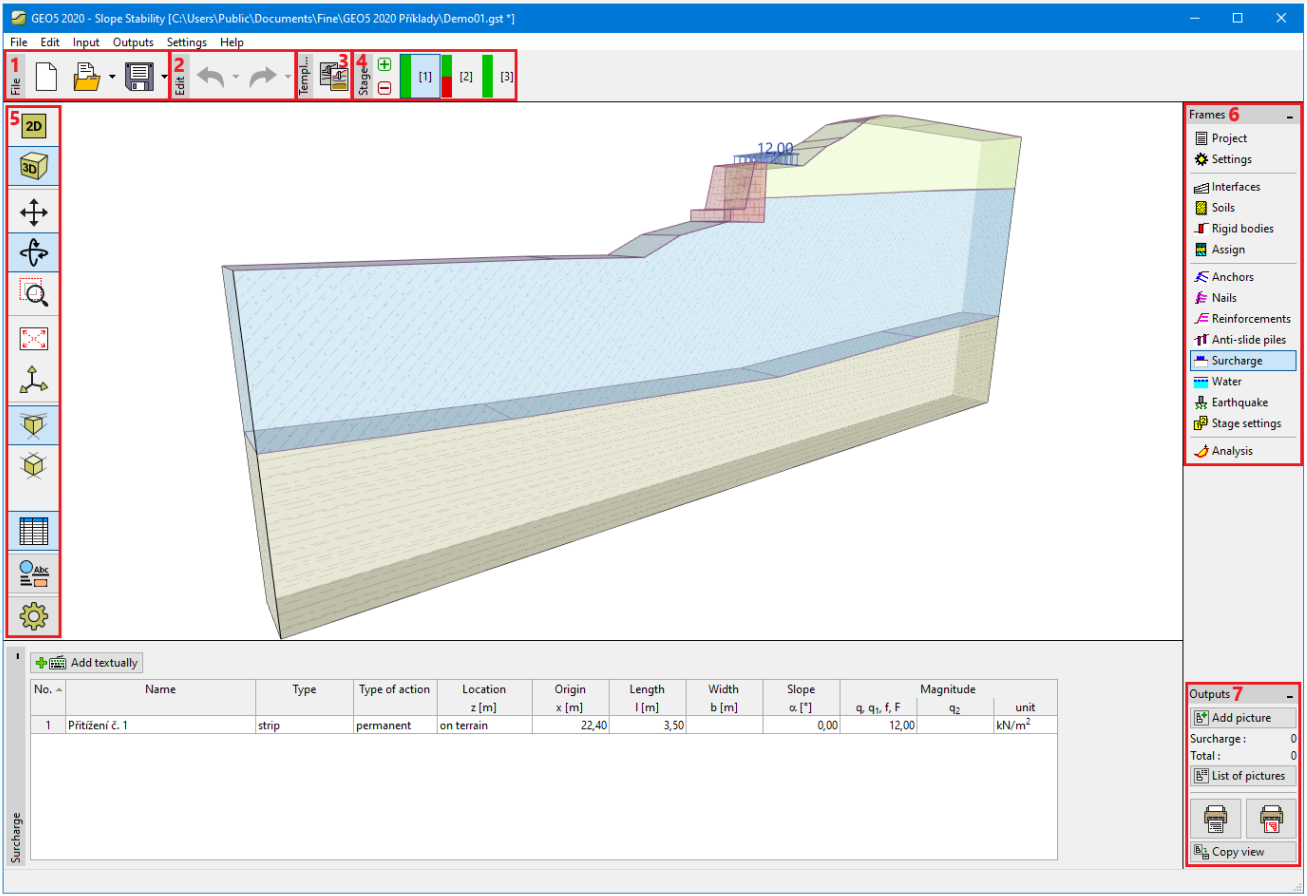
The tool bar buttons serve to manage all plots displayed on the desktop (zoom in/out, move…). The following figure shows locations of individual buttons:

Tool bar "Scale and shift"Tool bar "Scale and shift"

Scale up
  • scales up desktop view while keeping location of the point under the axis cross unchanged – this action is repeated using the left mouse button, the right button leaves the zooming mode
Scale down
  • scales down the desktop view while keeping location of the point under the axis cross unchanged – this action is repeated using the left mouse button, the right mouse button leaves the zooming mode
Shows marked region
  • shows and scales up the marked region -  the region is selected using the left mouse button
Move displayed region
  • moves the current view in an arbitrary direction – to proceed move mouse in the desired location while keeping the left mouse button pressed
Scale up
  • scales up the displayed region while keeping the region centered
Scale down
  • scales down the displayed region while keeping the region centered
Modify scale
  • scales the view such that all objects are visible
Use previous scale
  • modifies view scale  - returns the original view scale prior to the last applied scale action


Language: english