


Data Input using a Template
Inputting data using a template is more or less the same process as a standard input of data into the program. The possibility of adding a point from a template to the data being input is the main difference. During the input, the mouse cursor appears as an axial cross - when approaching the template, it turns into a small cross, and long axes disappear. When a point is now input (using the left mouse button), the point from the template is inserted (the input point now has the same coordinates as the point in the template). To accelerate the input of individual lines, it appears useful to employ the zooming tools. After interfaces are put in, the procedure can be applied to inputting other entities. During data input, it is possible to modify the template anytime.
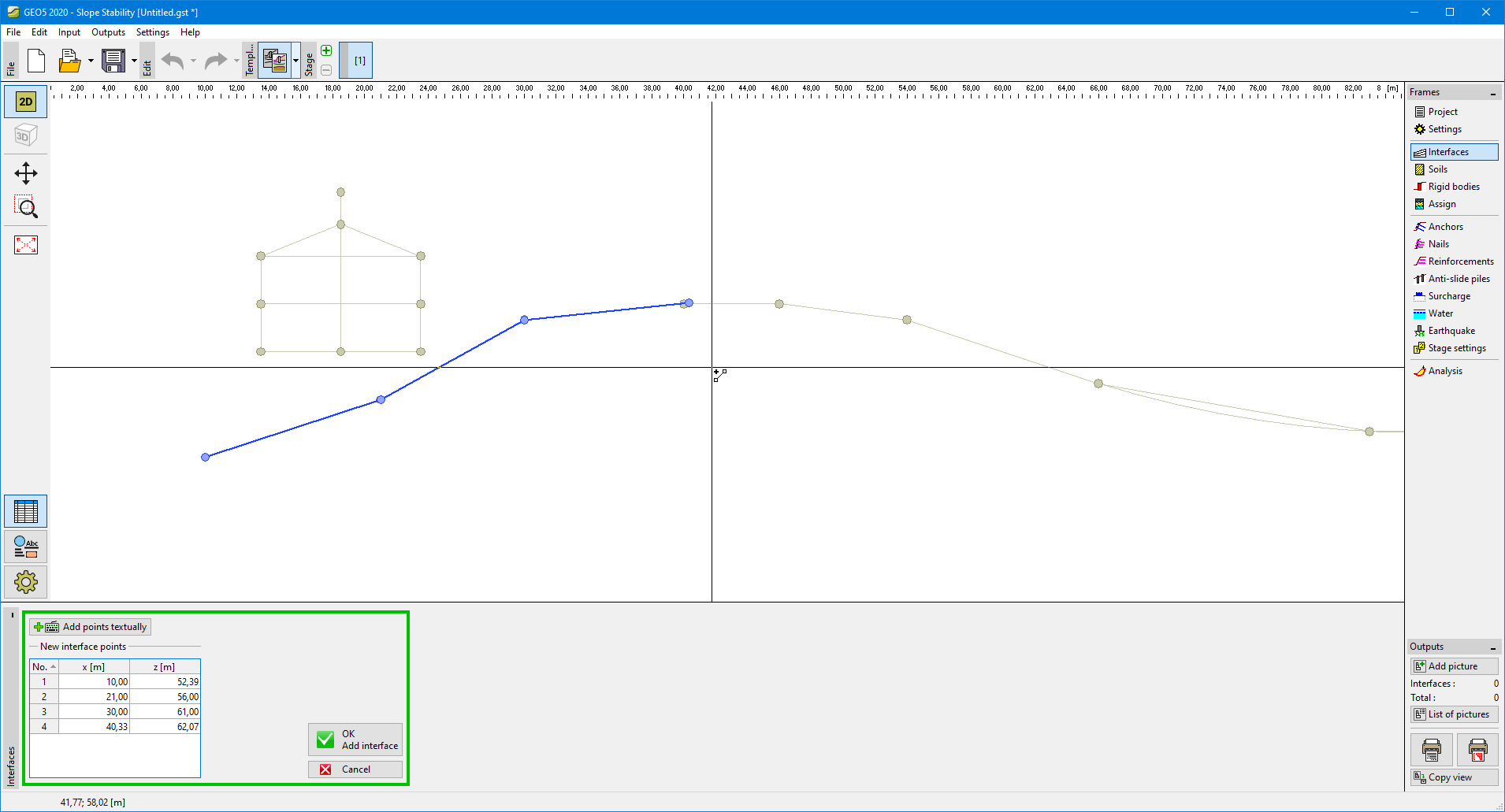 Inputting data using a template