


Interfaces in 2D Environment
The left part of the frame contains a table with a list of interfaces. Above the table, there are two basic buttons required for interface input:
Setup Ranges | Opens the "World coordinates" dialog window that allows setting the world dimensions (left and right edge). |
Add interface | Turns on the mode for inputting a new interface - individual interfaces can be added in an arbitrary order. Each interface is automatically stored on the list of interfaces when leaving the input mode. |
Interfaces are ordered in the table downwards, and it is possible to edit and delete them.
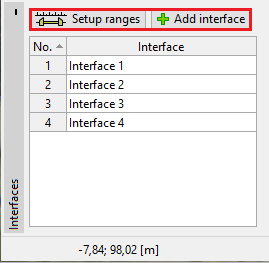 Table with the list of interfaces
Every change made to a given interface can be reverted using the "UNDO/REDO" buttons on the toolbar.
It is possible to copy and paste interfaces using FineClipboard.
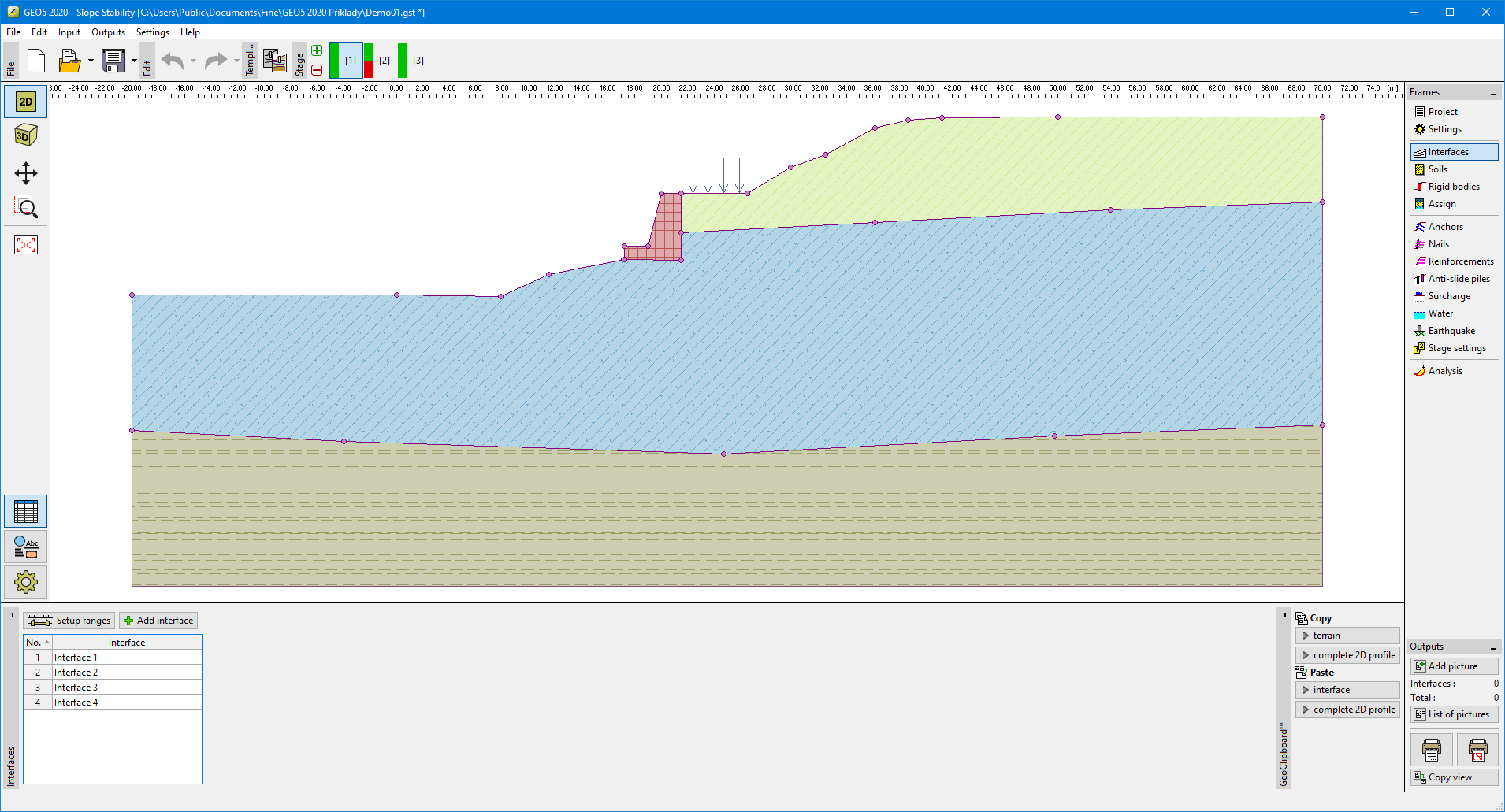 "Interface" frame