


Point Constructions
The frame "Point constructions" serves to introduce point constructions into the terrain.
To input points that determine the location of individual point constructions proceed in the similar way as when defining terrain points (using either table or mouse). The "New point construction" ("Edit point construction") dialog window allows also for specifying the name of the program to analyze the corresponding construction. The frame "Launching" is then used to run the calculation program and to transfer thicknesses of layers and assignment of soils into the program.
Point constructions can be defined only if a correct model of the terrain is generated.
Visualization of drawing on the desktop can be modified in any input regime based on the setting adjusted in the "Drawing Settings" frame and with the help of buttons on toolbar "Visualization".
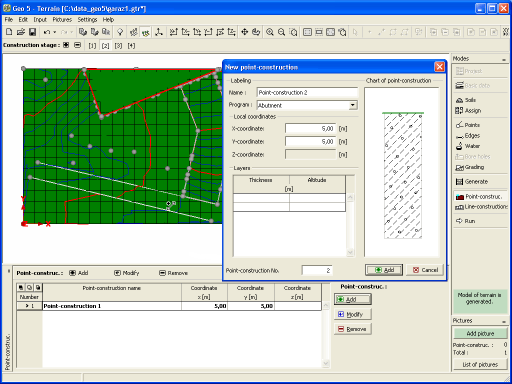 Frame "Point constructions" - input, edit
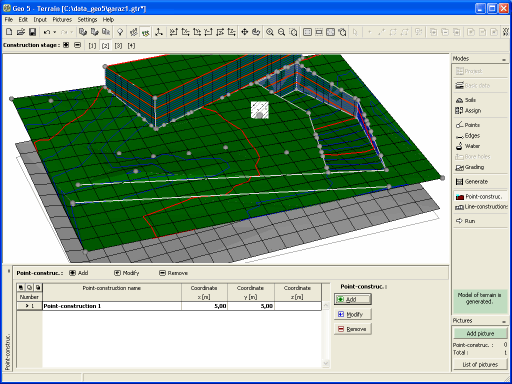 Frame "Point constructions" - defined constructions